Time: ~6 min. Need: a sense of the recurring entries in your real life (salary, rent, subscriptions) and one account to attach them to.
Three rules in place is the difference between a ledger that records the past and a ledger that projects the future. By the end of six minutes you will know how to add a rule, watch its grey rows appear in the ledger, and tune the rule when reality drifts from the projection.
Steps
-
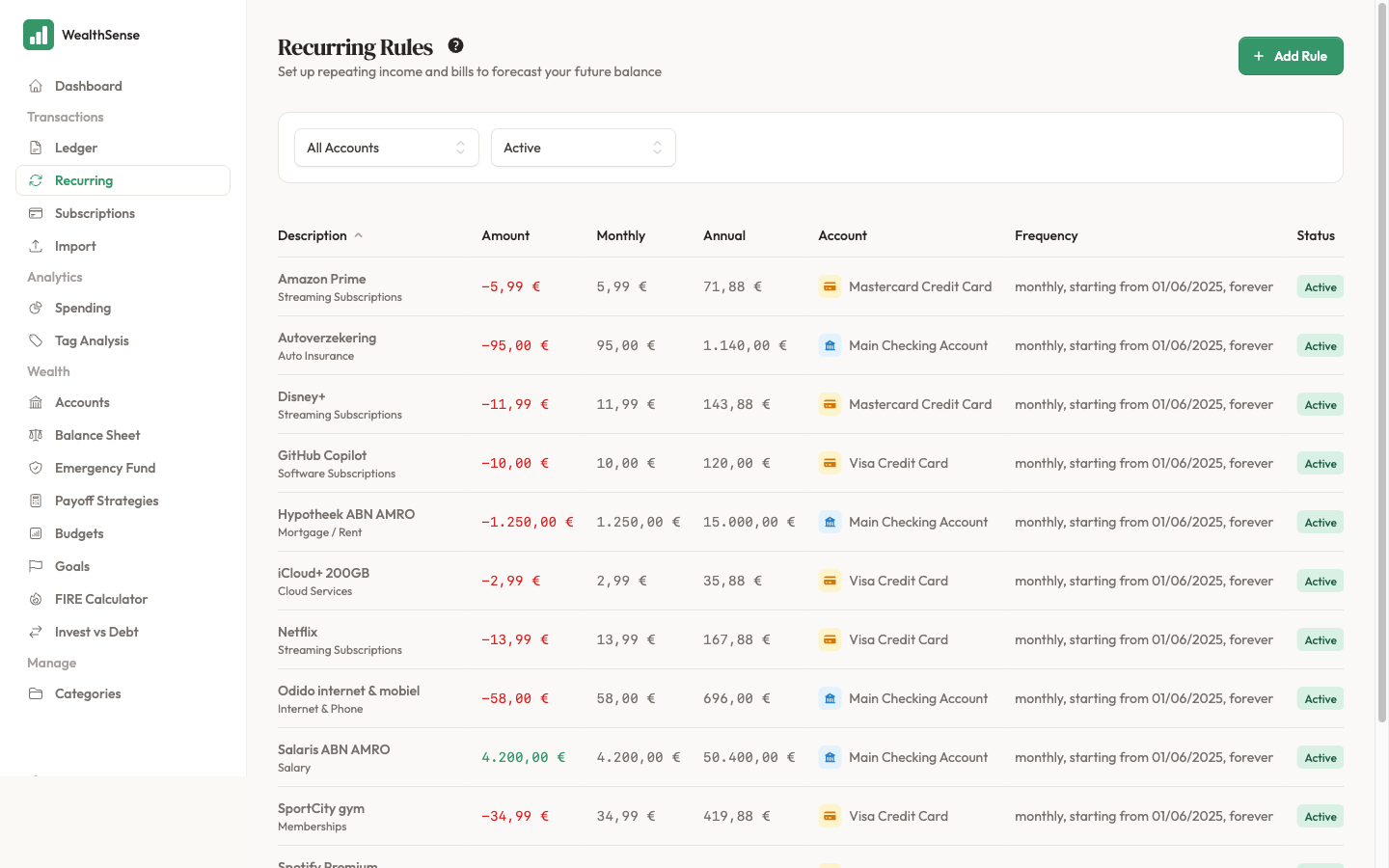
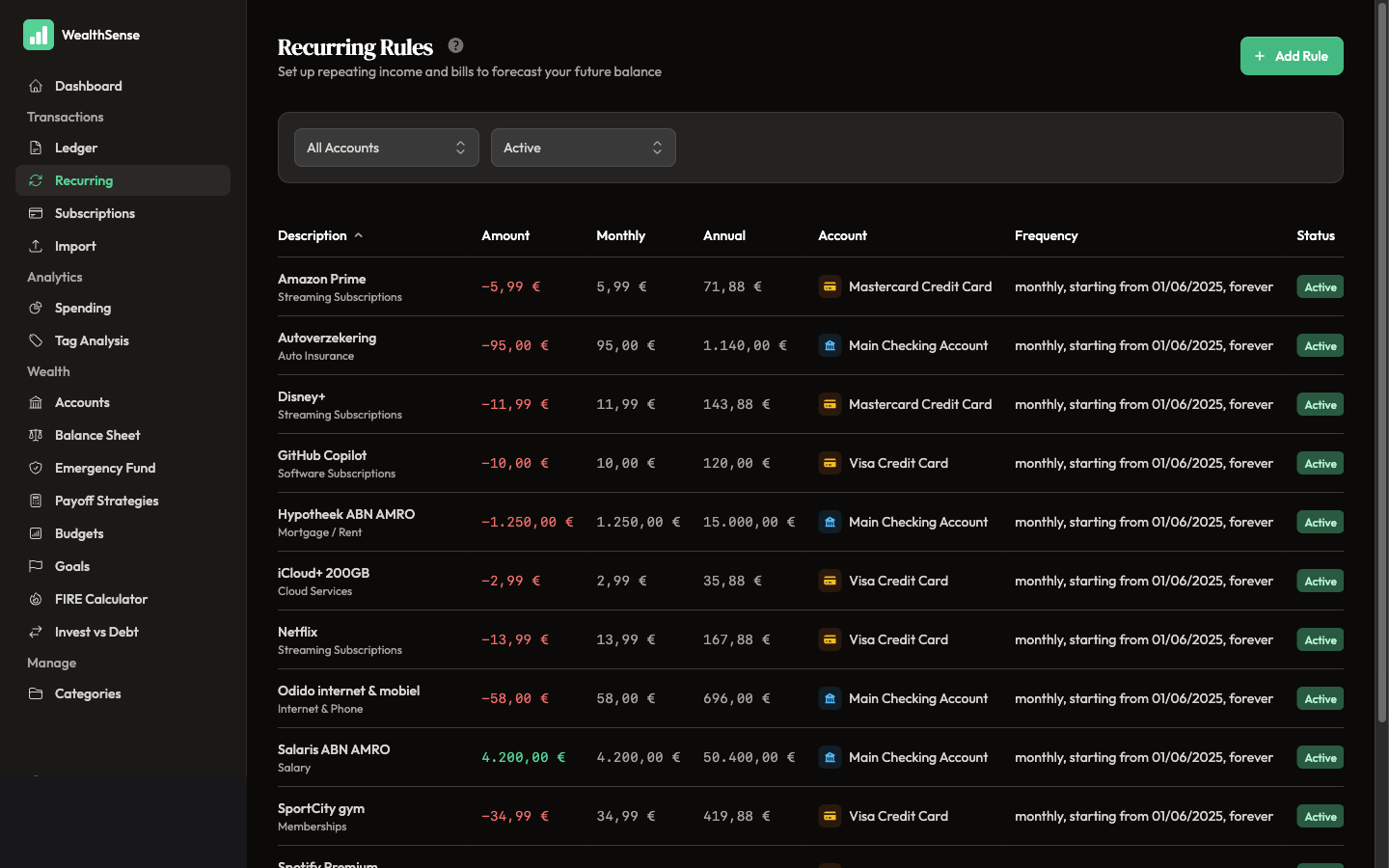
Open Recurring Rules from the sidebar. The page lists every active rule and when each one will fire next. If you have none yet, the list is empty and Add your first rule is what you want. If you already have rules, use Add Rule in the header.
-
Click Add Rule. The form opens blank. Give it a name you would use on a Sunday — "Rent", "Salary", "Netflix" — not the bank's transaction code. The name surfaces in the ledger when the grey row appears, so picking a human one keeps the row readable.
-
Pick the account and category. The account is where the money lands or leaves; the category is what kind of money it is. Rent attaches to your current account and the Housing category. Salary attaches to your current account and the Income category. Pick the same way you would for a one-off transaction — the rule is a template that will keep doing this for you.
-
Enter the amount. Use the amount you expect on a typical month. If your rent went up in March, enter the March amount — you can update the rule later when reality diverges. The form has a separate income-or-expense control, so the amount field stays positive.
-
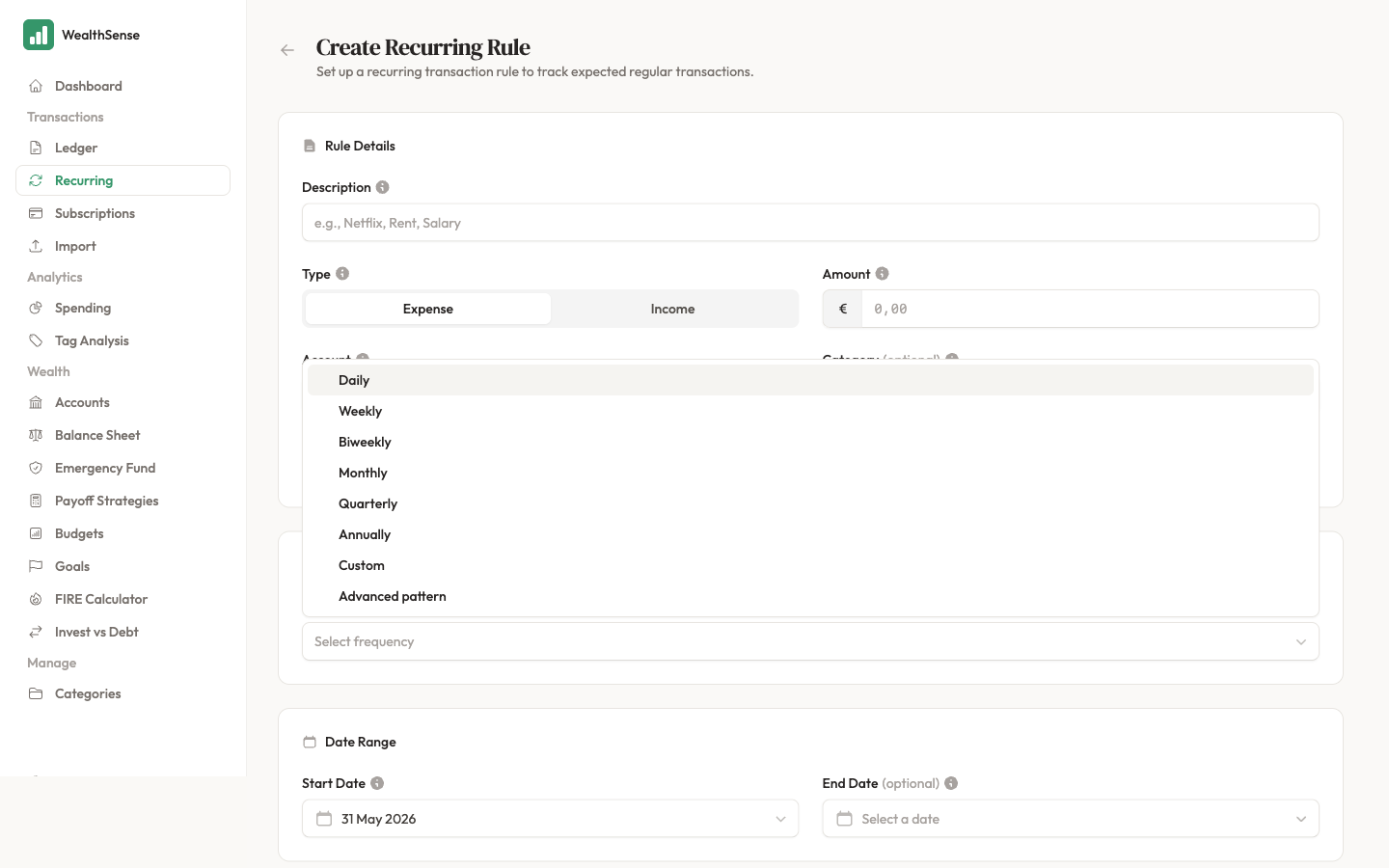
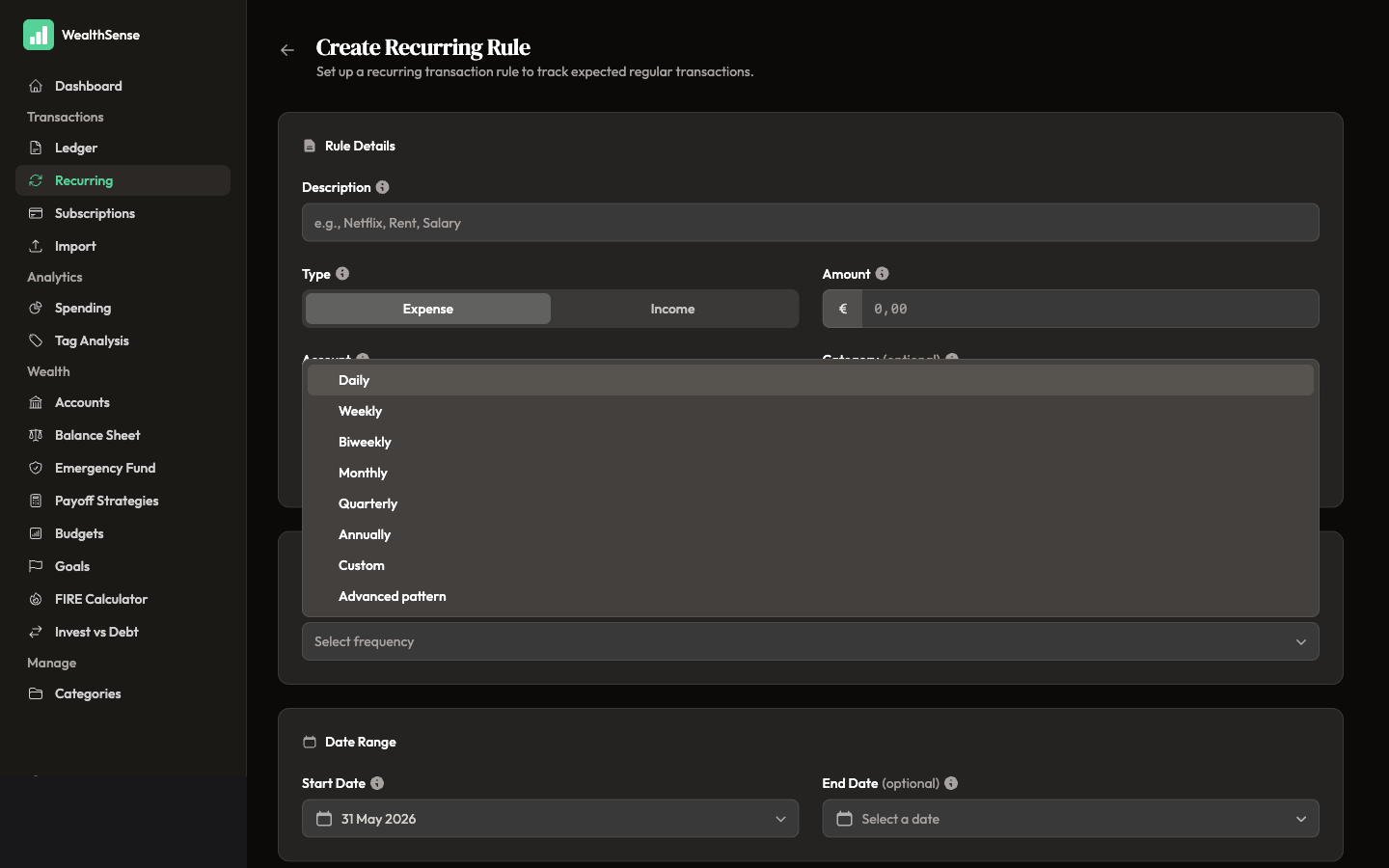
Pick the pattern. For the 80% case, pick Monthly and tell the form the day of the month. Rent on the 1st. Salary on the 25th. Most subscriptions on a fixed day. For anything that doesn't fit a simple monthly cycle (a weekly Italian class, a quarterly tax payment, a salary on the last working day) the form offers Weekly and Annually options plus an Advanced pattern for cases like "the second Tuesday of every month".
-
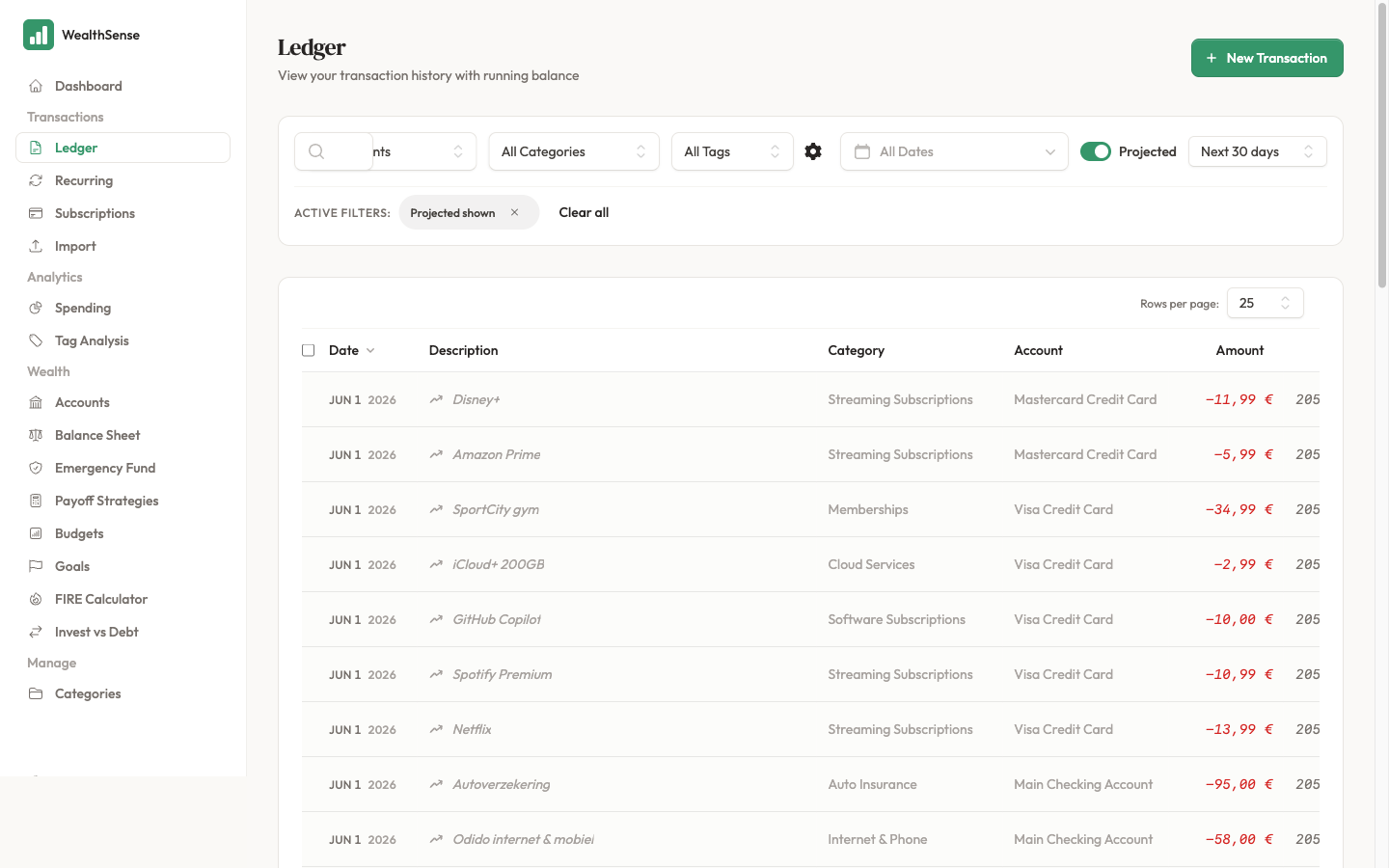
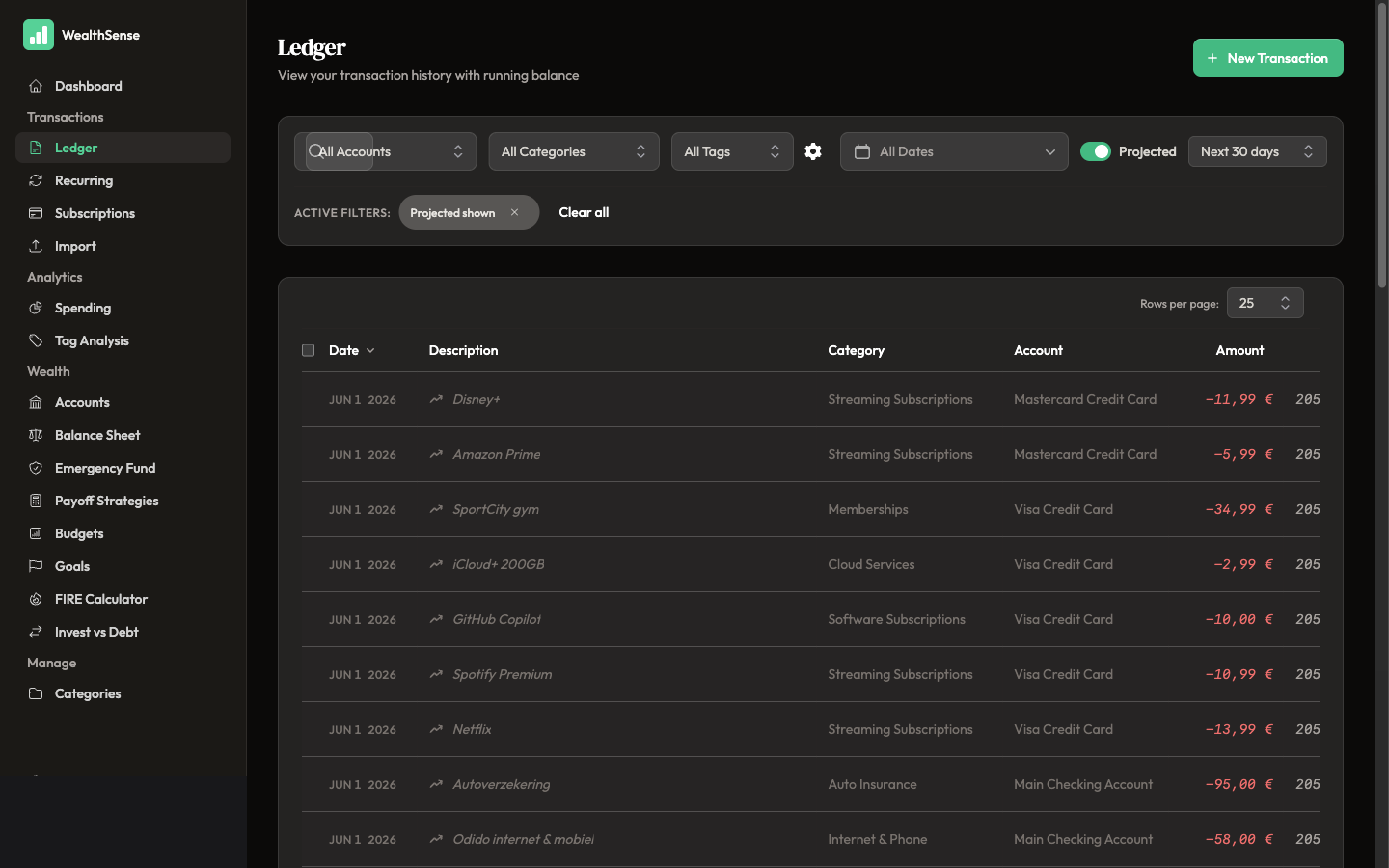
Save the rule and open the ledger. Grey rows for this rule appear under every future date the pattern fires on, out to your projection horizon. The running balance column extends through them. This is the immediate feedback: if the grey rows do not appear where you expect, the rule is wrong — go back and adjust before you forget.
-
Repeat until you have at least three. The next section explains why three is the number.
What three rules looks like
Three rules is the threshold where the ledger's projection starts to mean something. The canonical starter set is a salary, a rent (or mortgage payment), and one subscription. That mix covers the major in-flow, the major out-flow, and one small recurring thing that compounds — enough for the running balance projection to track the shape of your month.
Three is not the destination. Most people who use WealthSense settle around eight to fifteen rules — every standing order, every subscription, every monthly transfer — but you will feel the benefit long before fifteen. Three is when the Sunday ritual starts working.
Tune your rules when reality drifts
A recurring rule is a guess that life will keep happening the same way. Life does not. Rent goes up. The subscription doubles. The salary lands a day early because of a bank holiday. The rule-tuning loop is the small habit that keeps the projection accurate:
- Watch the grey rows in the ledger.
- Notice when a grey row does not match the actual transaction that lands.
- Open the rule, update the amount or the date, save.
- The downstream grey rows recompute immediately.
The first three rules are the most expensive to set up because they teach you the form. The next dozen are five minutes each because the pattern is the same. The tuning loop is what keeps the rules honest — without it, the projection drifts and the Sunday ritual stops working.
You're done when…
You have at least three recurring rules in place, the ledger shows grey rows under next week's and next month's dates, and you can spot a missing rule because the projected running balance does not match the bills you know are coming.
See also
- The methodology behind the grey rows — Why Ghost Transactions exist
- Turn it into a habit — Your 10-minute Sunday ritual
- A goal that builds on this — Set a goal you'll actually hit