Time: ~4 min. Need: an account in WealthSense with at least a month of transactions, and at minimum one budget or one goal configured so the meters render.
A 30-second scan of the dashboard tells you whether your money is moving in the right direction this week, this month, and this year — and where to click next if something looks wrong. By the end of this, every widget is a question you can answer, and a click you can name.
The 30-second scan
Open the dashboard. Scan top-down. You are looking for the one tile that does not match what you expected.
-
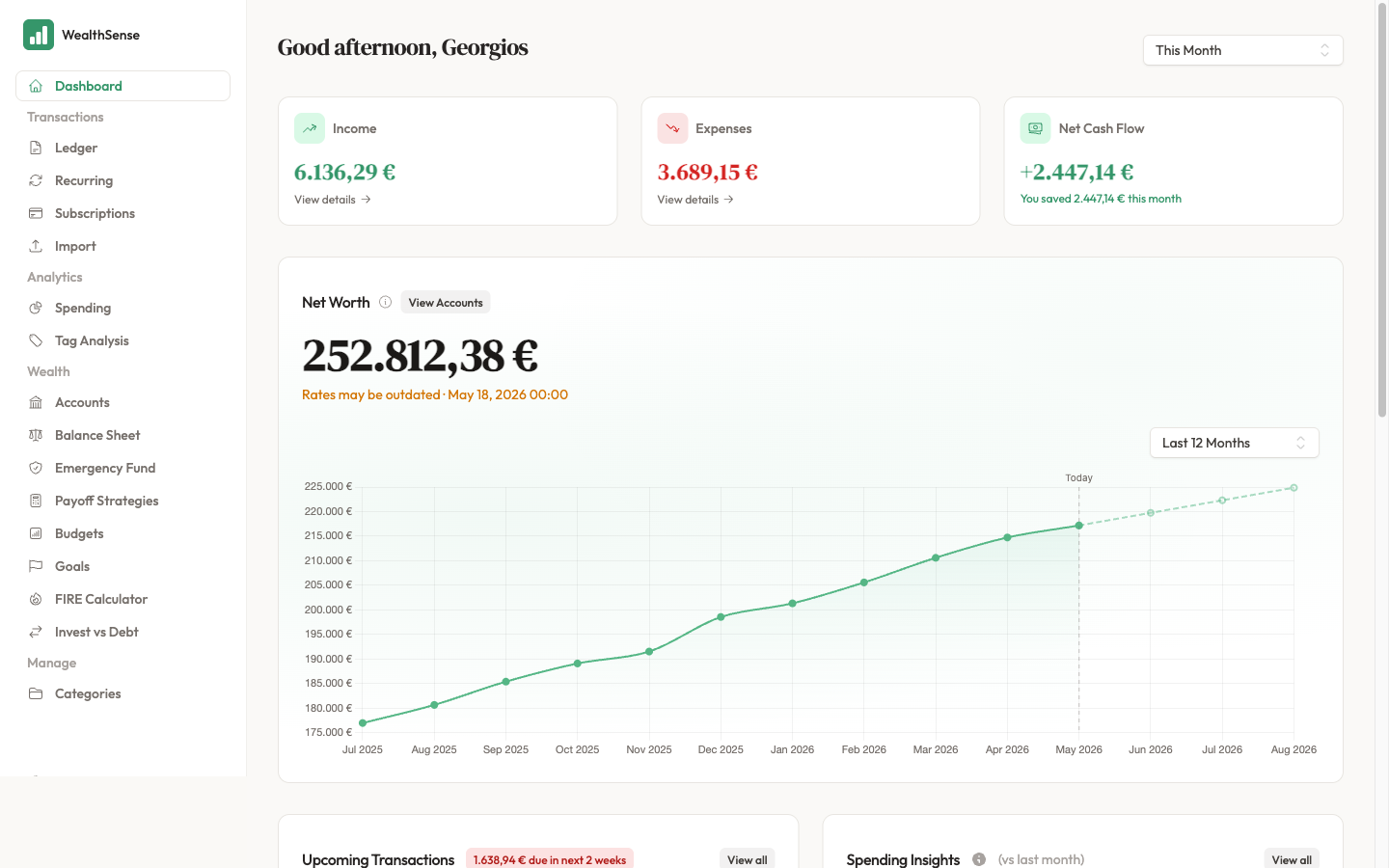
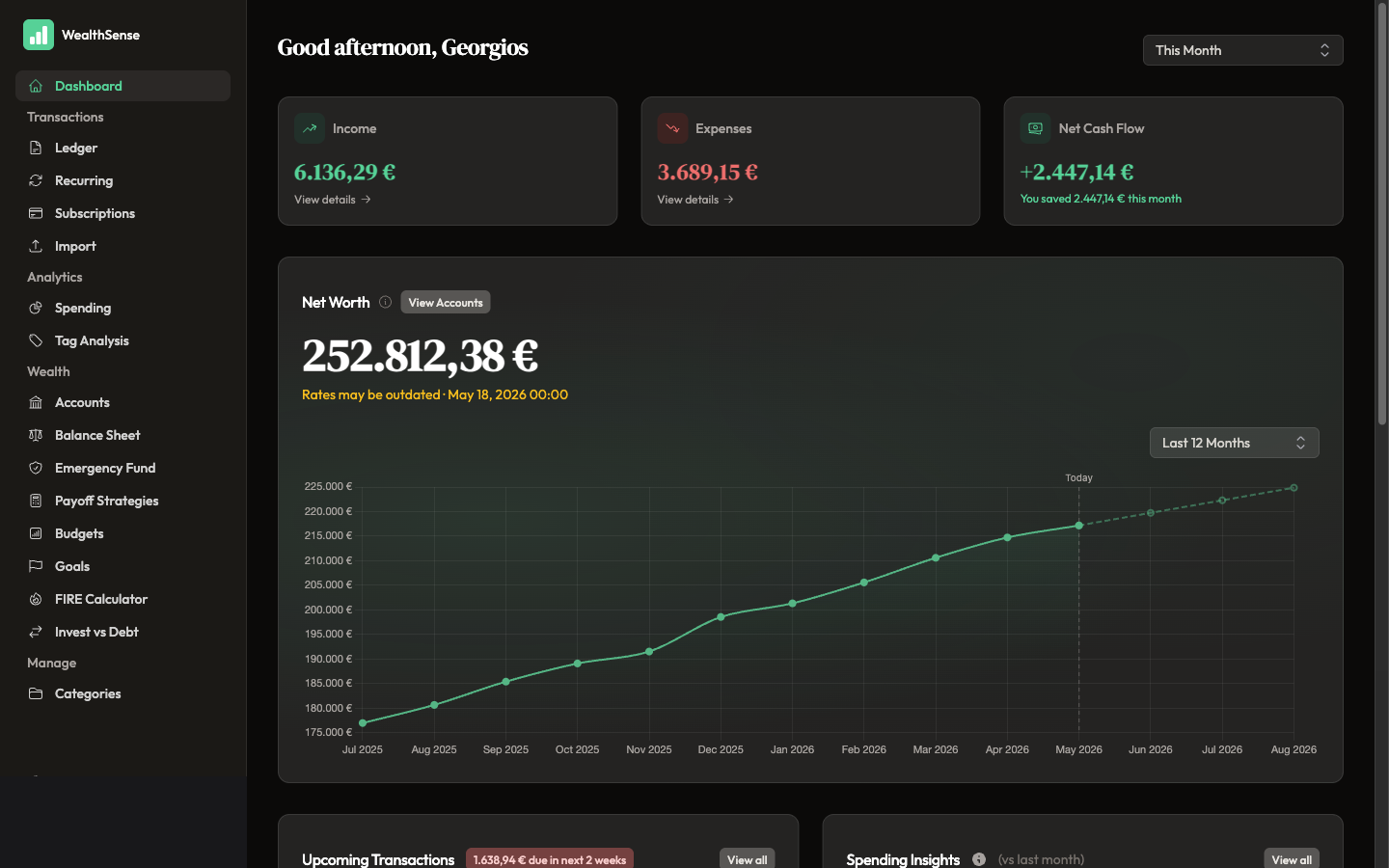
Cash Flow Summary (top). Three tiles — Income, Expenses, Net Cash Flow — for the period in the dropdown (default: This Month). Are you earning more than you are spending this month? If Net Cash Flow is red and you didn't expect it, open the Income or Expenses detail link to see the transactions behind the number.
-
Net Worth (left, prominent). One number: every account balance converted to your base currency, refreshed from today's exchange rates. Are you wealthier than you were last month? If the number surprised you, click View Accounts to find the account that dragged it down.
-
Upcoming Transactions (right column, top). The next two weeks of grey rows from your recurring rules, with the total expected outflow at the top. Is anything large coming up that you haven't planned for? If yes, open the row's actions menu to Reschedule, Skip this Instance, or Mark as Occurred once the money has moved.
-
Spending Insights (middle). Your top three spending categories for the current period. Did anything jump compared to last month? If a category is suddenly the largest, that's a signal to dig — click through to the Spending page for the full bar chart.
-
Budget Overview (lower). Progress meters for each budget you've set. How much of each category's monthly ceiling have you used? If a meter is red, you've crossed the ceiling; if amber, you're close. Either way, slow that line of spending for the rest of the month.
-
Goals Progress (lower). Progress meters for each goal — sinking funds, savings targets, debt payoff. Are you on track to hit each goal on time? If a meter is behind schedule, click the goal to see how much more per month would catch you up.
When something looks wrong
A dashboard widget is a question, and a click is the answer. Every tile on this page is a doorway to the transactions, budgets, or recurring rules behind its number. If the number surprises you, the click is your follow-up — not a sign that the widget is broken.
If a widget is empty — no budgets set up yet, no goals yet — set one up. The dashboard is most useful once Budget Overview and Goals Progress have something to report.
You're done when…
Every widget is a question you can answer, and a click you can name when the answer surprises you. No tile is a mystery; no tile is decoration.
See also
- Read where the money went — Where did your money actually go?
- The weekly cadence — Your 10-minute Sunday ritual
- Plan the rules behind the projection — Set up recurring rules that match your real life