Time: ~3 min. Need: the name of one account you want to track, plus the currency it holds.
By the end of three minutes you will have a working account on the dashboard, in the currency you picked, ready to receive transactions. No bank handshake, no OAuth screen, no token to renew later — you create the account by hand and bring the data in on your own terms.
Steps
-
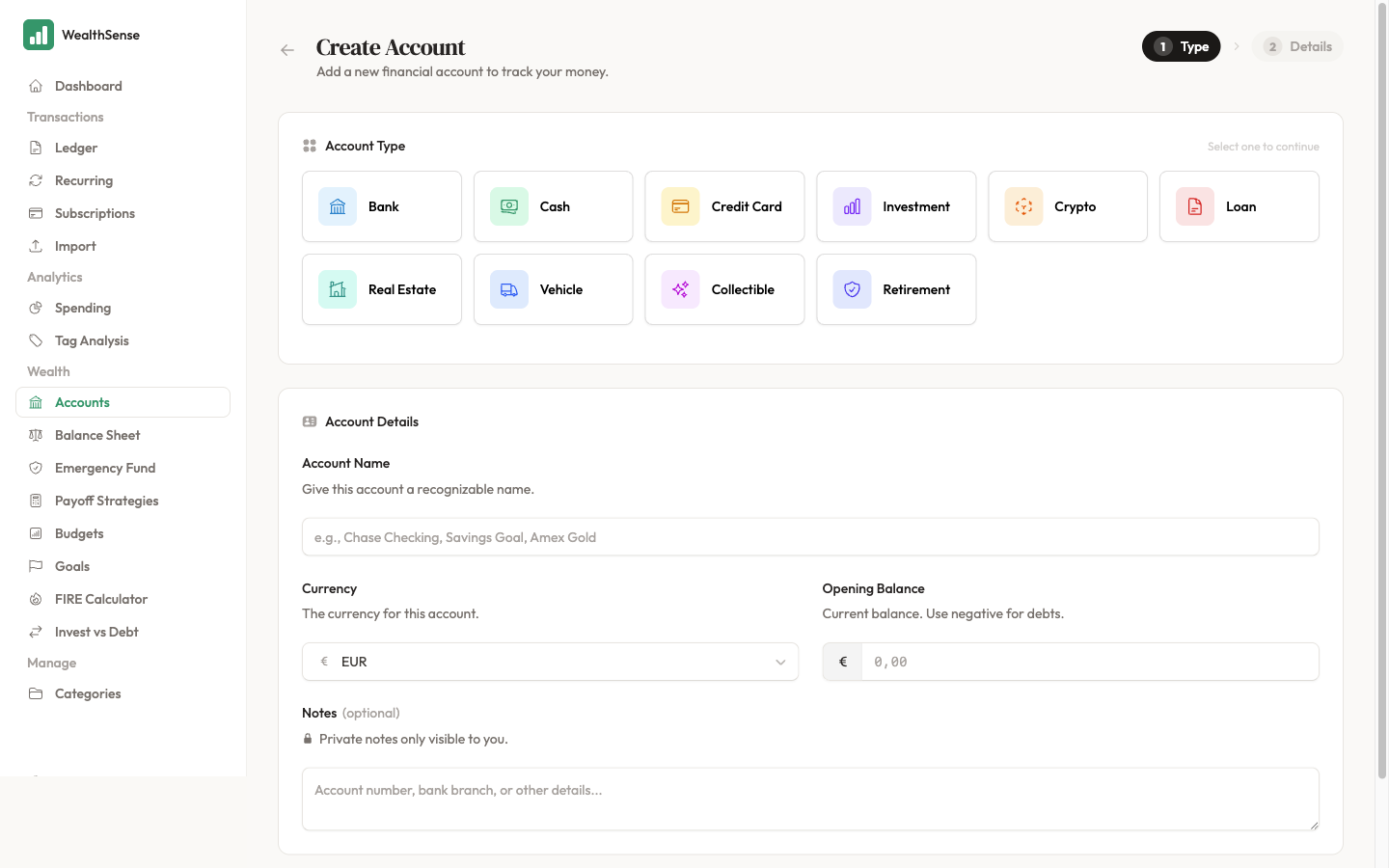
Open Accounts from the sidebar and click + New Account. WealthSense does not connect to your bank — every account you add is one you describe yourself. That is the design, not a temporary state.
-
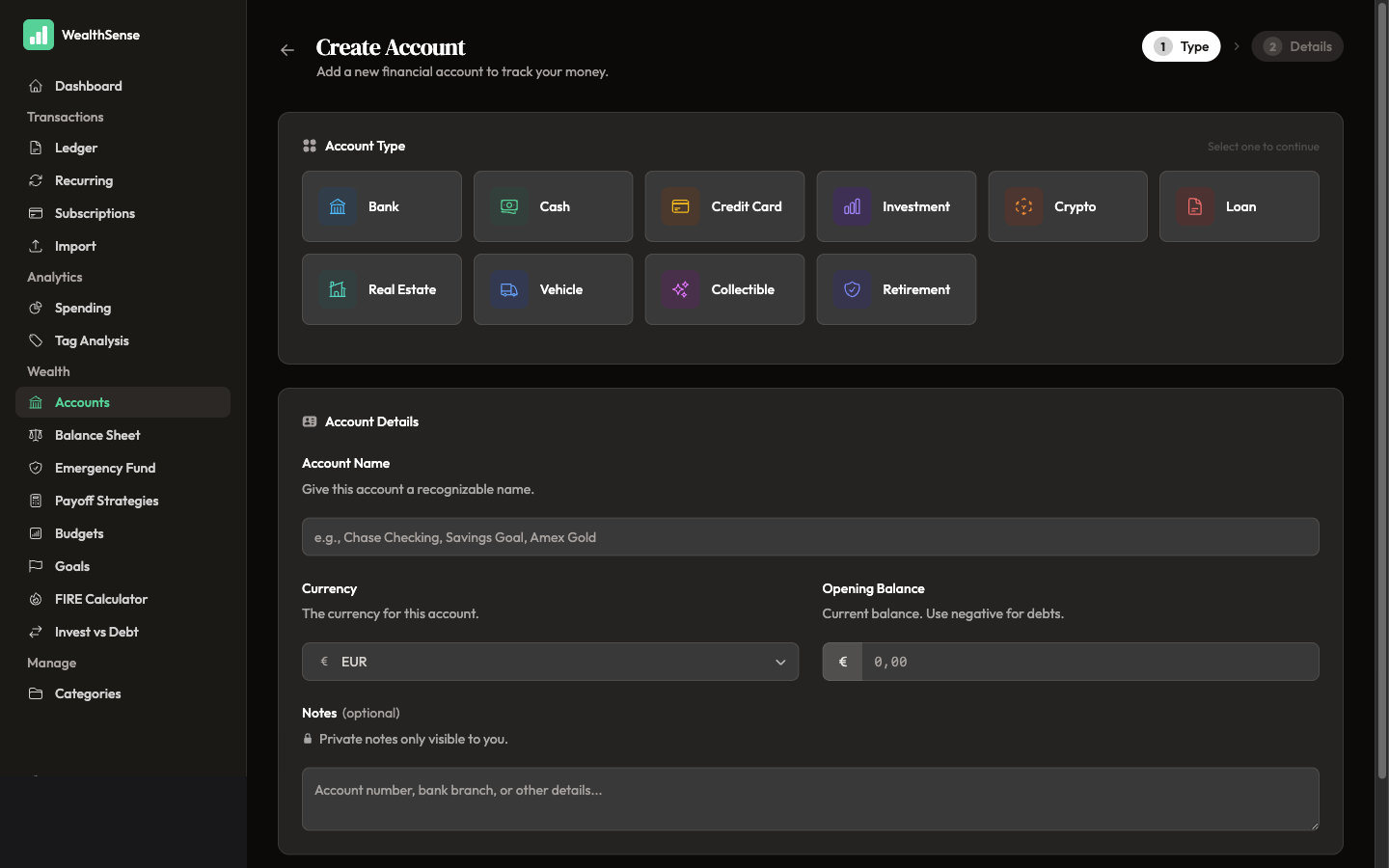
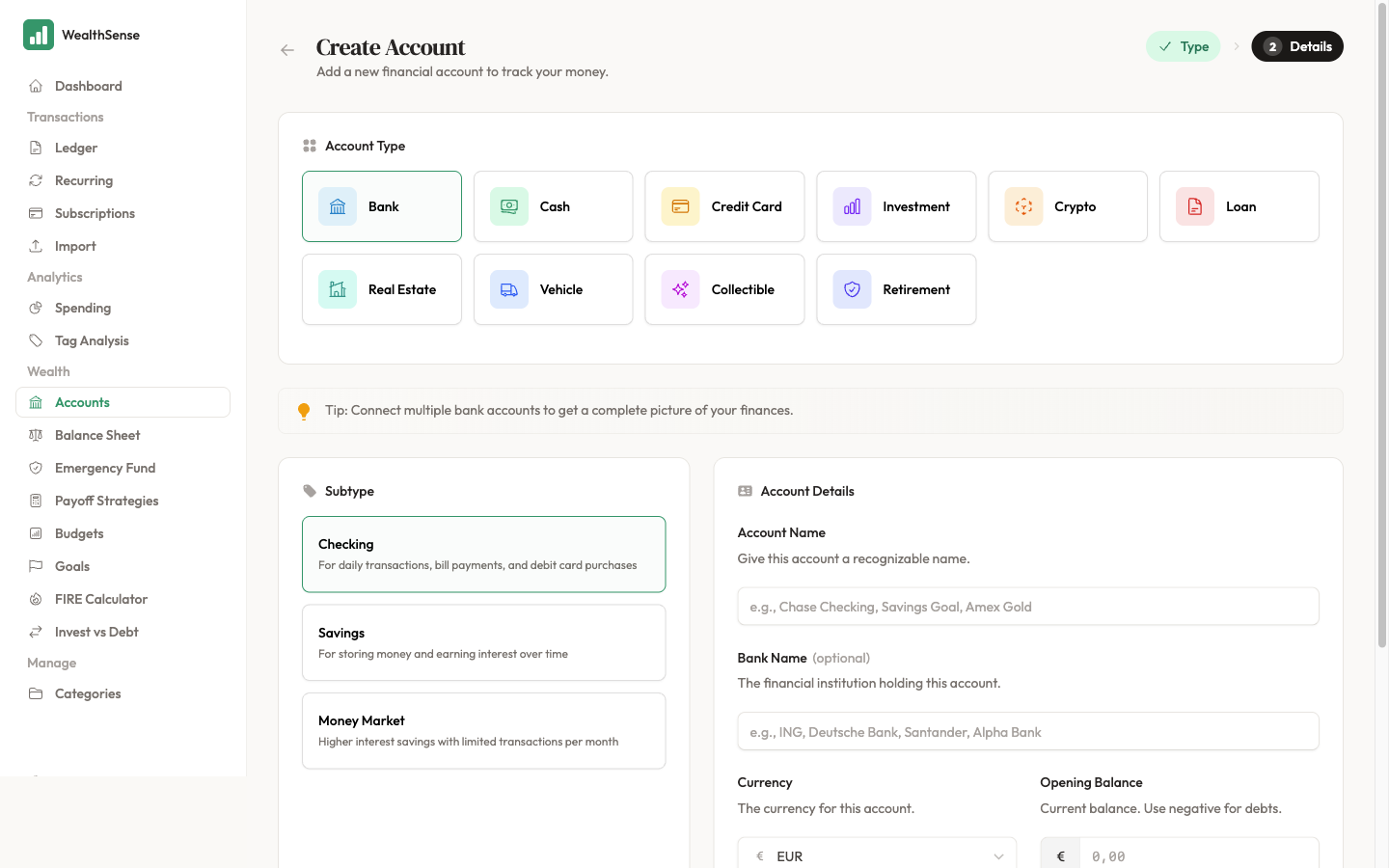
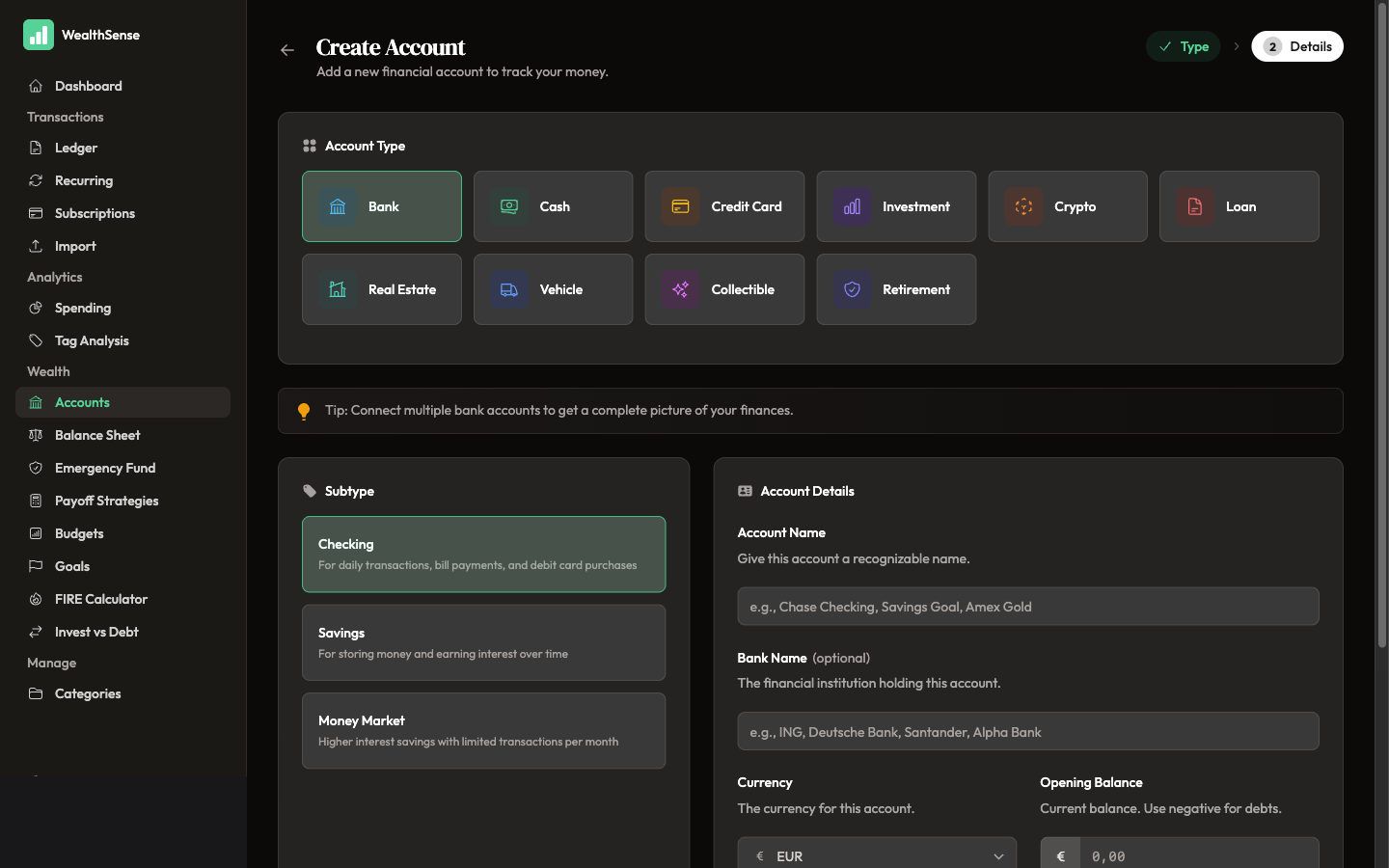
Pick an Account Type. Bank, Cash, Credit Card, Investment, Crypto, Loan, Real Estate, Vehicle, Collectible, or Retirement — each one shapes the rest of the form. For your first account, pick the one that holds the salary or the rent — that is the account most worth getting right first.
-
Name the account and set its currency. The name is for you — "Revolut EUR", "Cash wallet", "Trade Republic" — whatever you would call it on a Sunday. The currency is locked at create time and determines how every transaction on this account is recorded. If you live across two currencies, create one account per currency rather than mixing them.
-
Enter an opening balance as of today. The number on your bank statement, the cash in your wallet, the units in your brokerage app. If a credit card is in debt, enter the balance as a negative number — the in-form tip says the same when you pick Credit Card. The opening balance is the anchor; every transaction you import or record later moves the running balance from this point.
-
Click Create Account. You land back on the accounts list with the new account showing the opening balance and the currency. Open the dashboard and the account contributes to your net-worth figure in your base currency, converted at today's ECB rate.
You're done when…
You see the account's name and opening balance on the dashboard, and the balance currency matches the one you picked during setup. If the dashboard shows the account in the wrong currency, you set the base currency rather than the account currency — open the account, edit it, and correct the currency on the account itself.
See also
- Bring in your transaction history — Import your first month of transactions
- Worried about how your data is stored? — What WealthSense does with your data
- Record a transaction by hand — Record a transaction in under 30 seconds