Time: ~2 min. Need: an account in WealthSense and a transaction in your head you want to record.
The fastest path from "I paid for that" to a row on your ledger is Quick Add. By the end of this you will know the handful of taps that turn a coffee receipt, a tip in cash, or a one-off transfer into a categorised row before the receipt is in the bin.
Steps
-
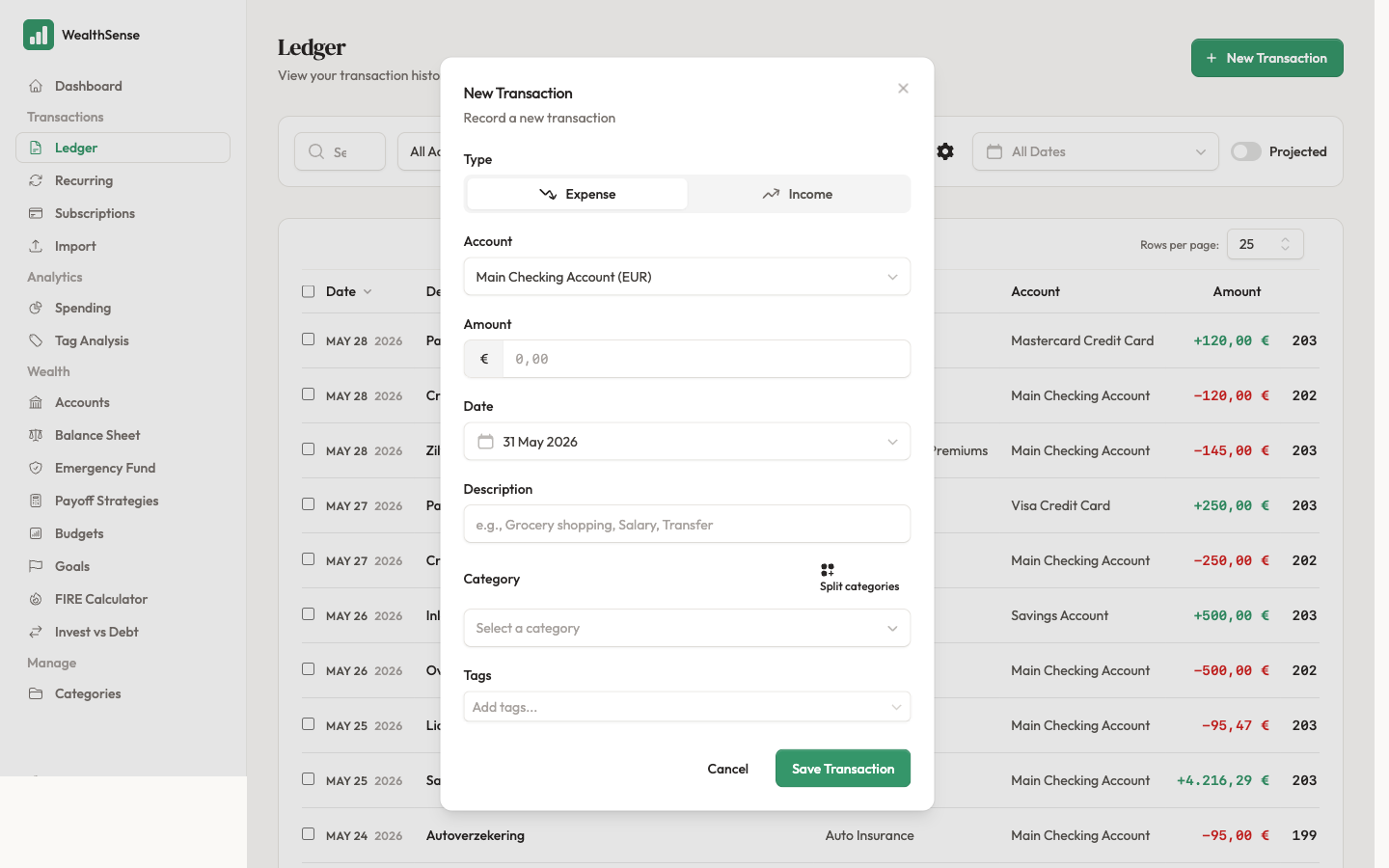
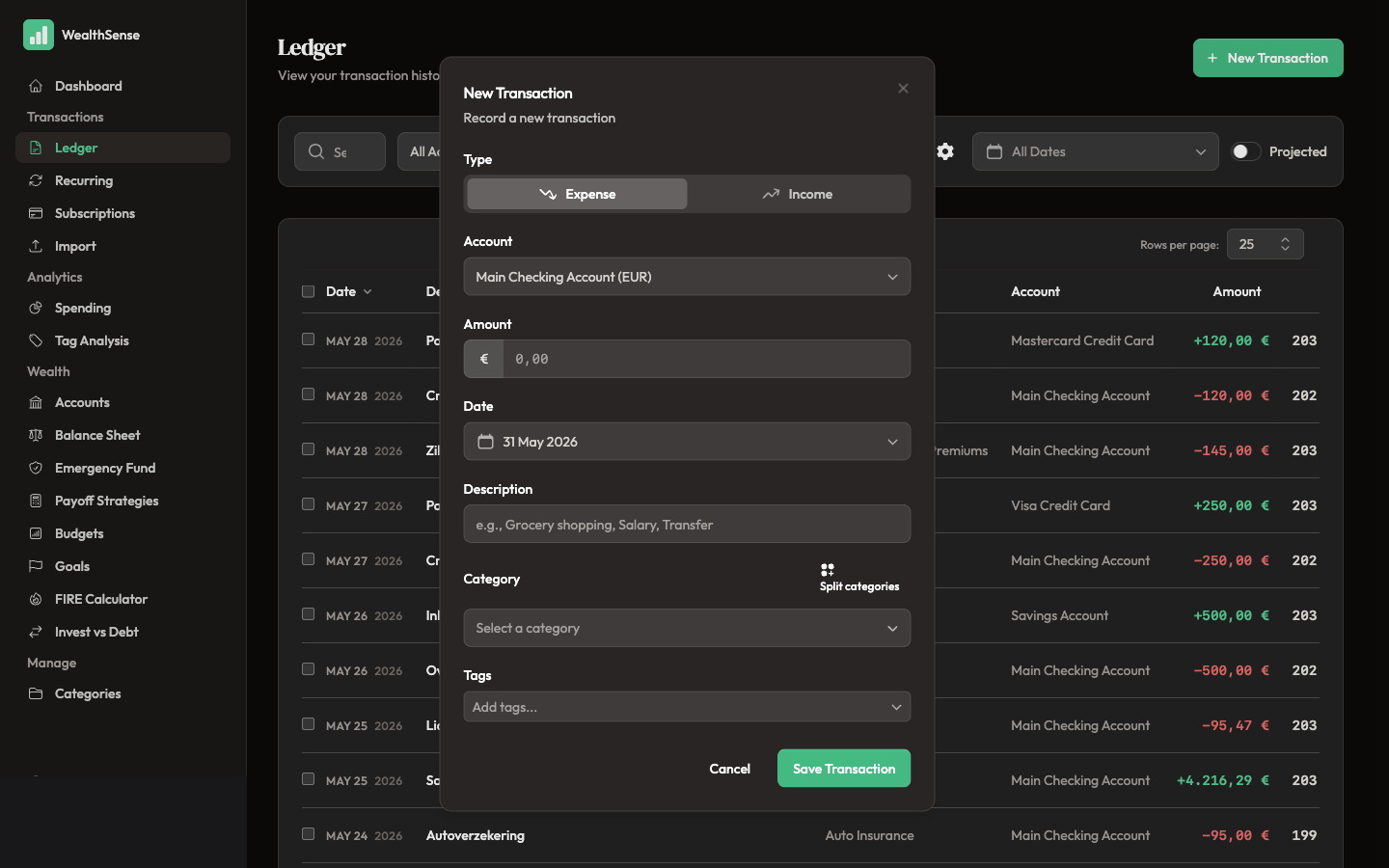
Open the fast entry path. On mobile, tap the round floating button at the bottom right of most screens. On desktop, open the ledger and click New Transaction in the header. The form opens ready for the amount — the one field you reach for every time.
-
Type the amount. Numbers only — the currency symbol comes from the account you pick in step 4. If you are recording a refund or income, flip the income/expense toggle next to the amount field before you move on.
-
Add a short description. A few words is enough — "Coffee with Marta", "Taxi airport". The description shows up in the ledger and the search index; long sentences make both harder to scan.
-
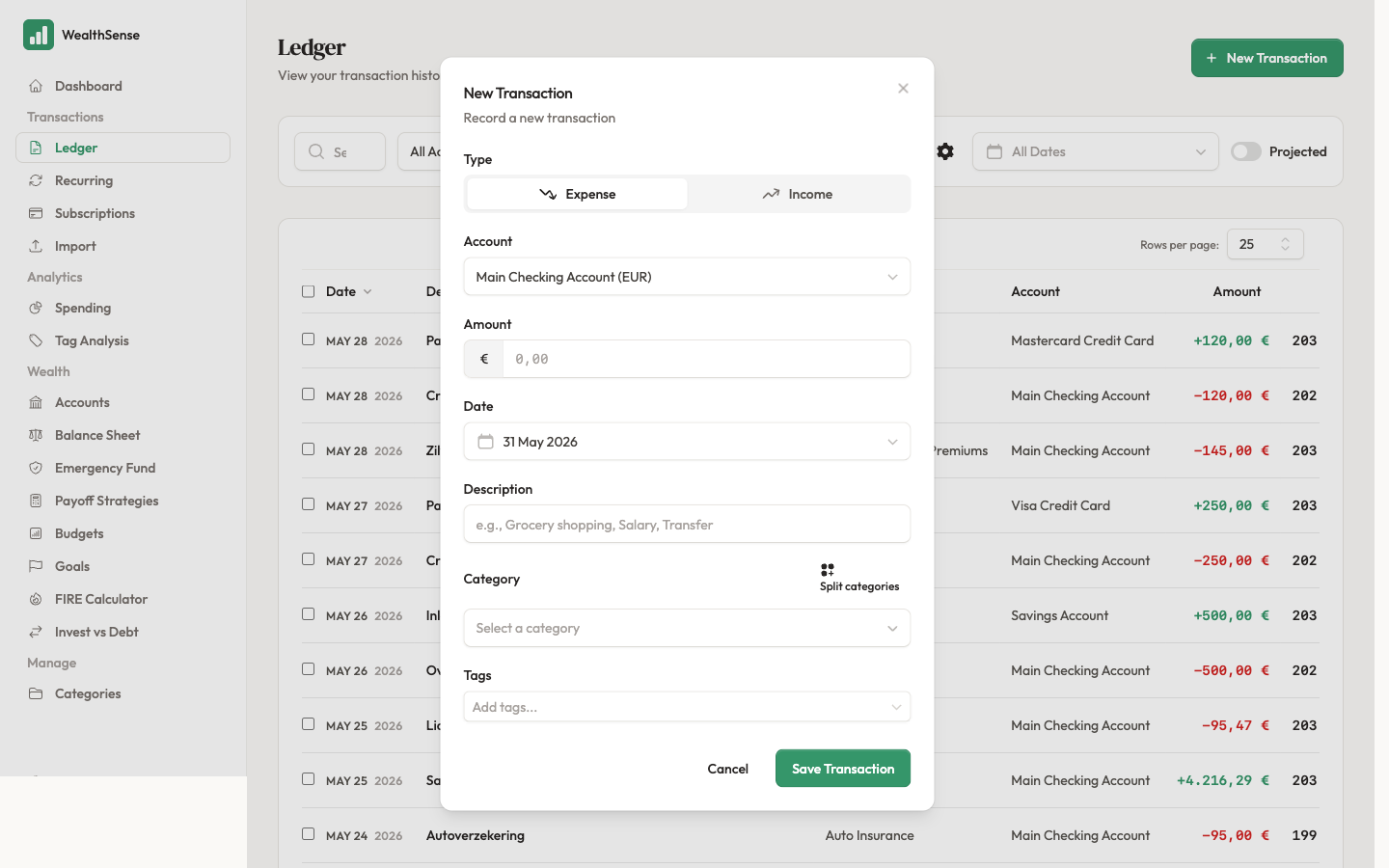
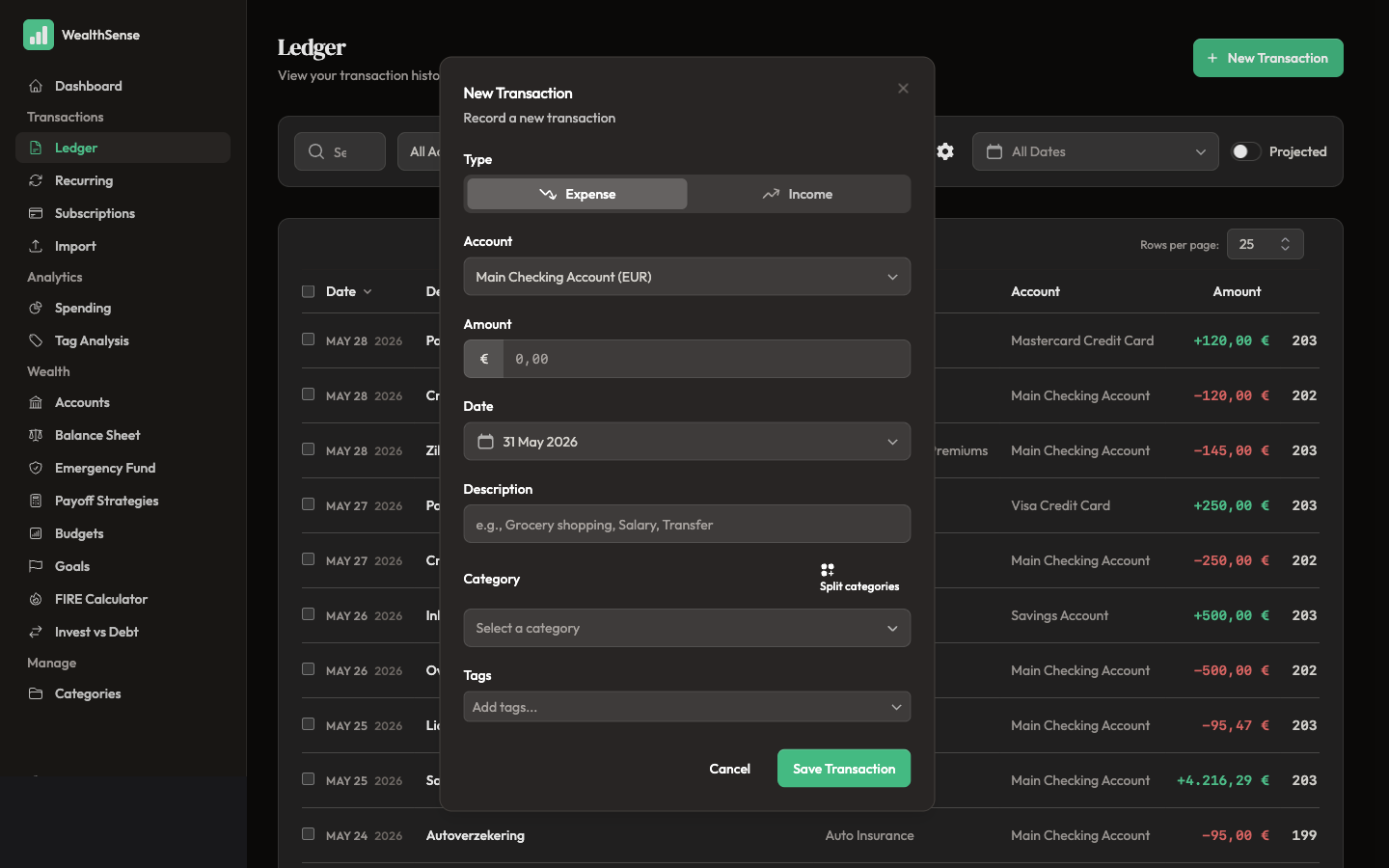
Pick a category and confirm the account. The category picker keeps your most-recent choices at the top, so the second time you record a Coffee it surfaces faster than the first. The account defaults to your chosen default account, or the first account in your list if you have not set one — if you paid in cash, switch to your cash account; if you tapped a card, leave it on the card account.
-
Save. The modal closes, the transaction lands on today's date in the ledger, and the running balance recomputes. Total clock time, after the first few practice runs: about twenty seconds.
For multi-category entries (one €70 grocery run that is €50 food and €20 household), use the full transaction form instead — Quick Add covers the 80% case and stays narrow on purpose. The full form opens from the ledger header's + New Transaction button.
You're done when…
Your transaction is on the ledger with the right amount, the right category, and today's date — and you closed the app under a minute after opening it.
See also
- Add detail later — Categorize, split, and tag transactions
- Switch to batch instead — Import your first month of transactions
- Stop typing the same row every month — Set up recurring rules that match your real life