Time: ~3 min. Need: your WealthSense account. Exports work from day one — you don't have to wait for a month of data to be there.
By the end of this you will have a ZIP in your downloads folder holding every transaction, account, recurring rule, budget, goal, and category you've ever set up in WealthSense — in plain CSV files you can open in any spreadsheet or import into any other personal-finance app.
WealthSense doesn't trap your data. Export anytime, leave anytime, come back anytime. The reason the export is one click is the same reason it lives in the menu and not behind a sales pitch: the only way to mean it is to make it cheap.
Steps
-
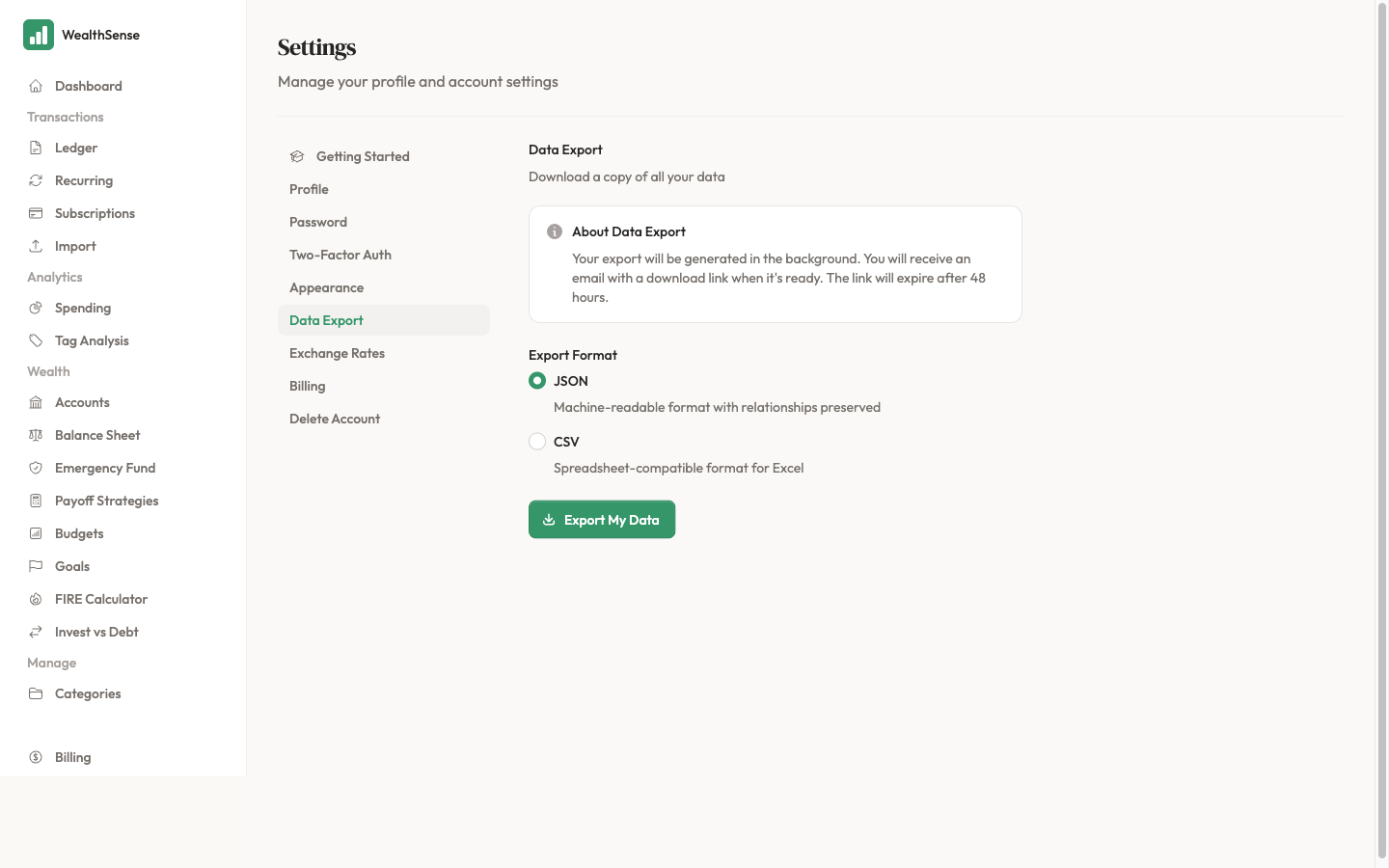
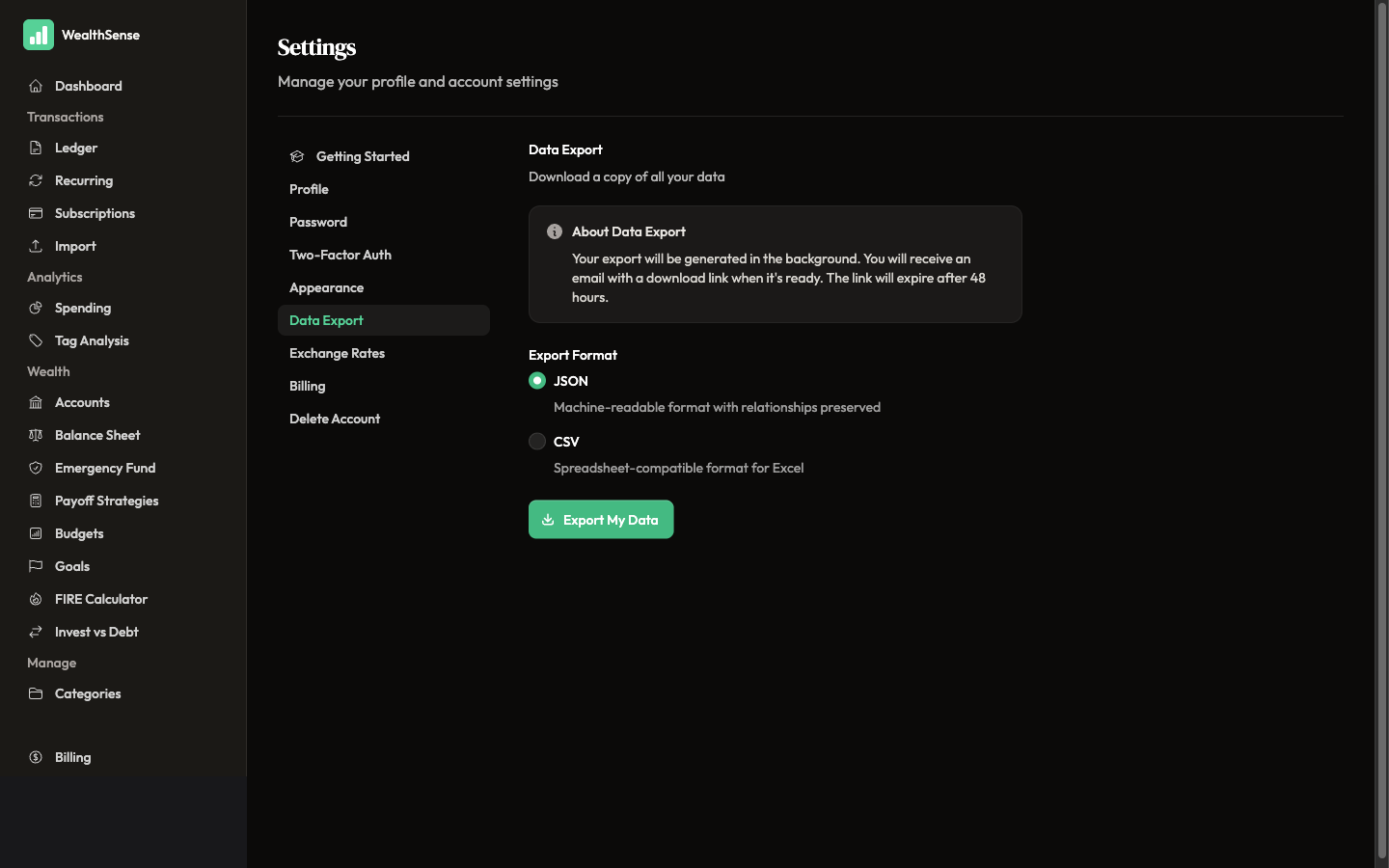
Open Settings → Data Export from your account menu.
-
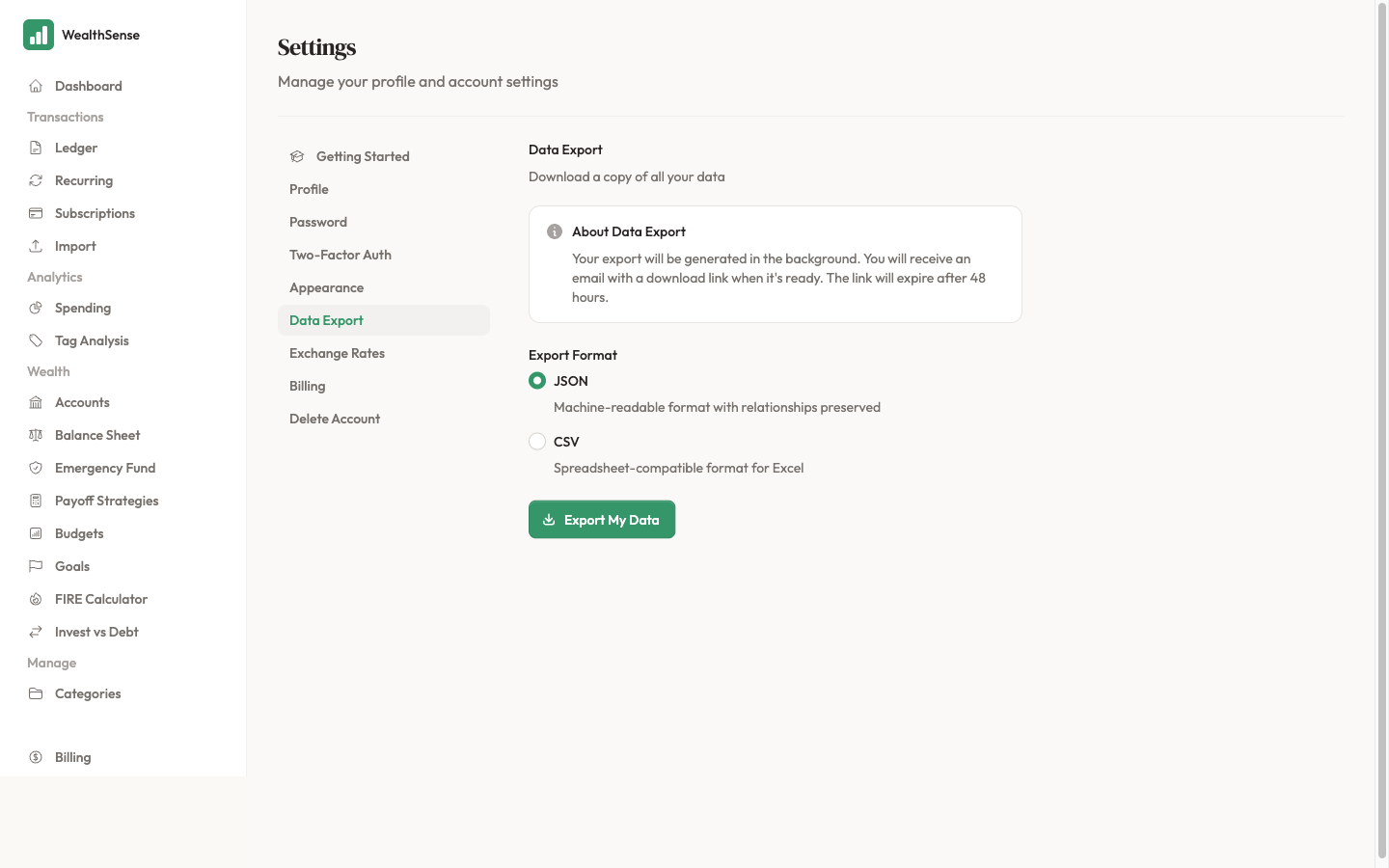
Pick the format. JSON is the default — the whole dataset in a single machine-readable file with relationships preserved, ideal if you're moving to another tool programmatically. CSV is the spreadsheet-friendly option: one file per data type (transactions, accounts, categories, rules, budgets, goals), each opening cleanly in any spreadsheet.
-
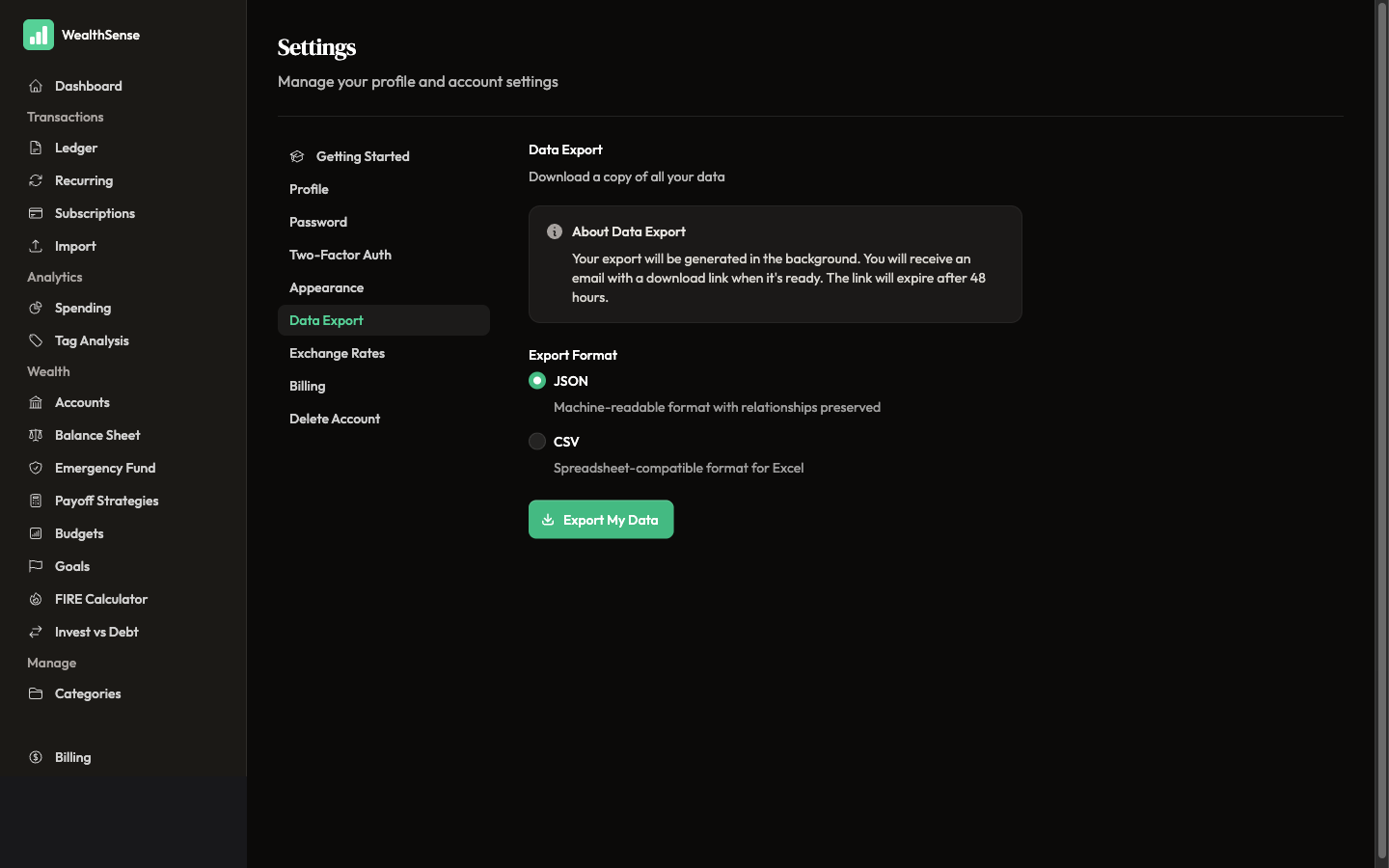
Click Export My Data. WealthSense generates the export in the background and emails you a download link when it's ready — the link expires after 48 hours; once you download the ZIP, the file lives on your machine forever.
-
Open one CSV in a spreadsheet to confirm the columns are intelligible. Transactions carry date, description, amount, currency, account, category, tags. Accounts carry name, type, currency, opening balance. Recurring rules carry pattern, amount, account, next-due. Column headers are stable across exports — your scripts won't break next month.
You're done when…
Your most recent export sits in your downloads folder, you've opened one CSV in a spreadsheet and confirmed the column headers are intelligible, and you know exactly which day you would download a fresh export if you ever needed to migrate.
See also
- The privacy stance behind the export feature — What WealthSense does with your data
- Find what to export first — Where did your money actually go?
- Trust the data first — Your first reconciliation