Time: ~5 min. Need: a savings or debt-payoff target in mind, plus an account or tag to track progress against.
A goal in WealthSense is not a number sitting in a notes app. It is a target with a date, a tracking method, and a meter on your dashboard that moves every time a transaction lands. By the end of five minutes you will have a goal you actually look at — because it is in your line of sight every time you open the app.
Steps
-
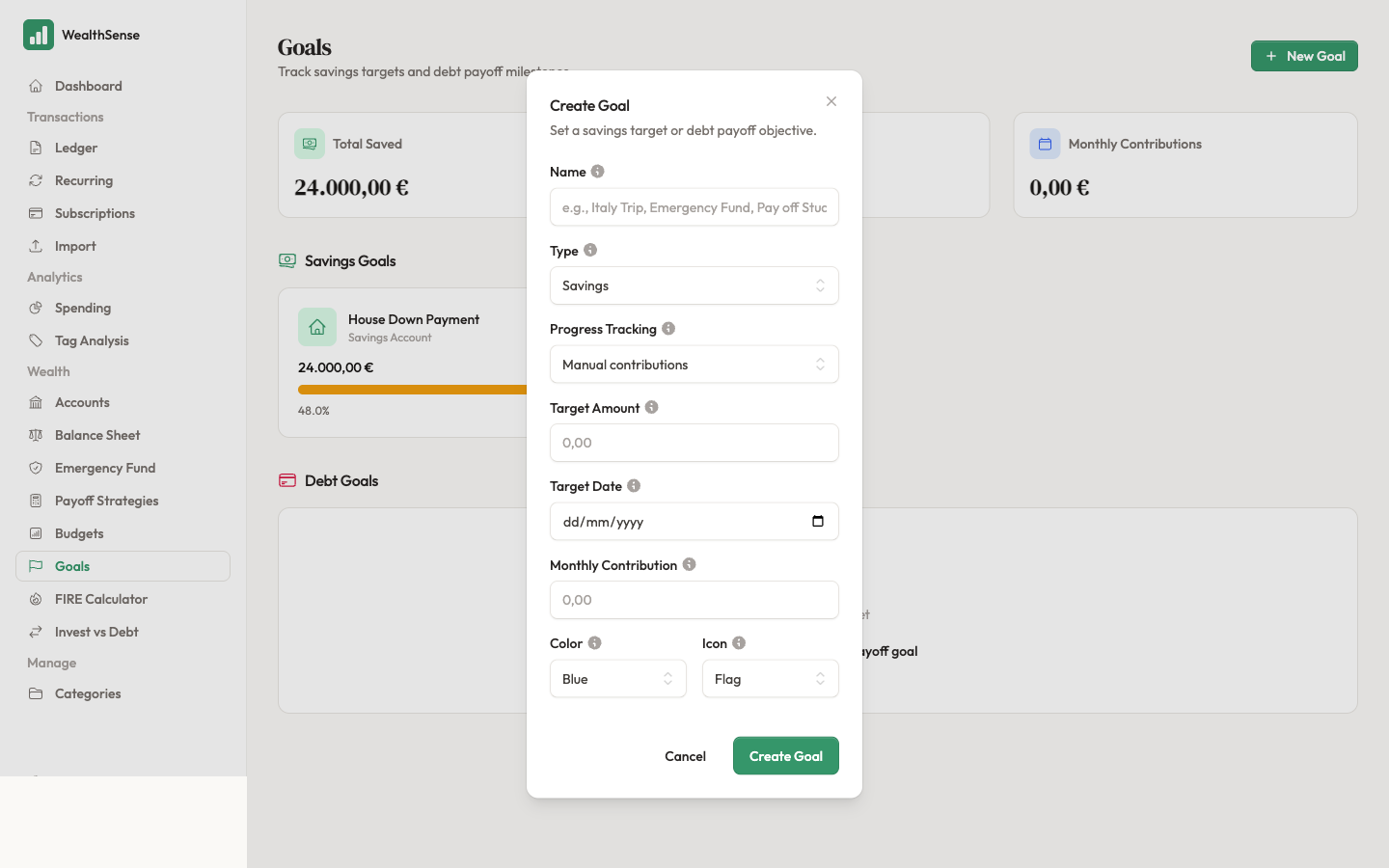
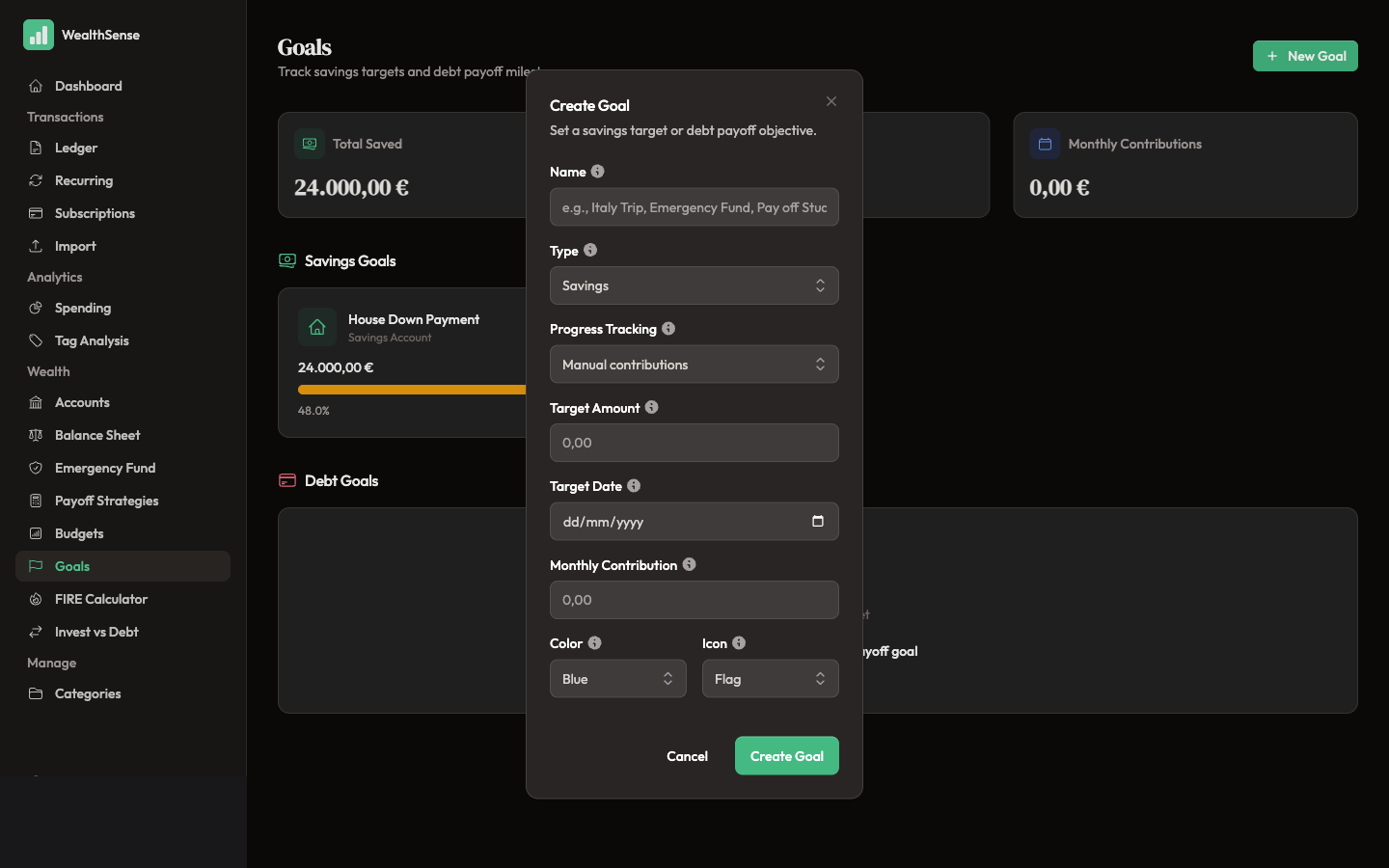
Open Goals from the sidebar and click + New Goal. The form opens to a blank goal.
-
Name the goal and pick the type. The name is what you call it in your head — "Italy 2026", "Emergency Fund", "Pay off Student Loan". The type is Savings (a positive target you are building toward) or Debt Payoff (a negative balance you are bringing toward zero). Goals are forward-looking targets, not envelopes — the budget article covers the day-to-day side of the same coin.
-
Choose how the goal tracks progress. Three tracking modes:
- Linked account balance — point the goal at a savings account; the goal balance updates every time the account balance moves. Use this for sinking funds (a separate account for next August's holiday, for example).
- Tagged transactions — point the goal at a tag like "Italy 2026"; the goal accumulates every transaction carrying that tag, regardless of which account it lived in.
- Manual contributions — the goal balance only moves when you log a contribution by hand. Useful when no account or tag maps cleanly to the goal.
-
Set the target amount and date. The amount is the finish line: €5,000 for the holiday, €15,000 for the emergency fund, €0 for the debt. The date is when you want to be there. Goals without dates are wishes; goals with dates are commitments WealthSense can do arithmetic against.
-
Pick a colour and icon. The dashboard shows your goals as small progress meters; the colour and icon are how you recognise yours at a glance.
-
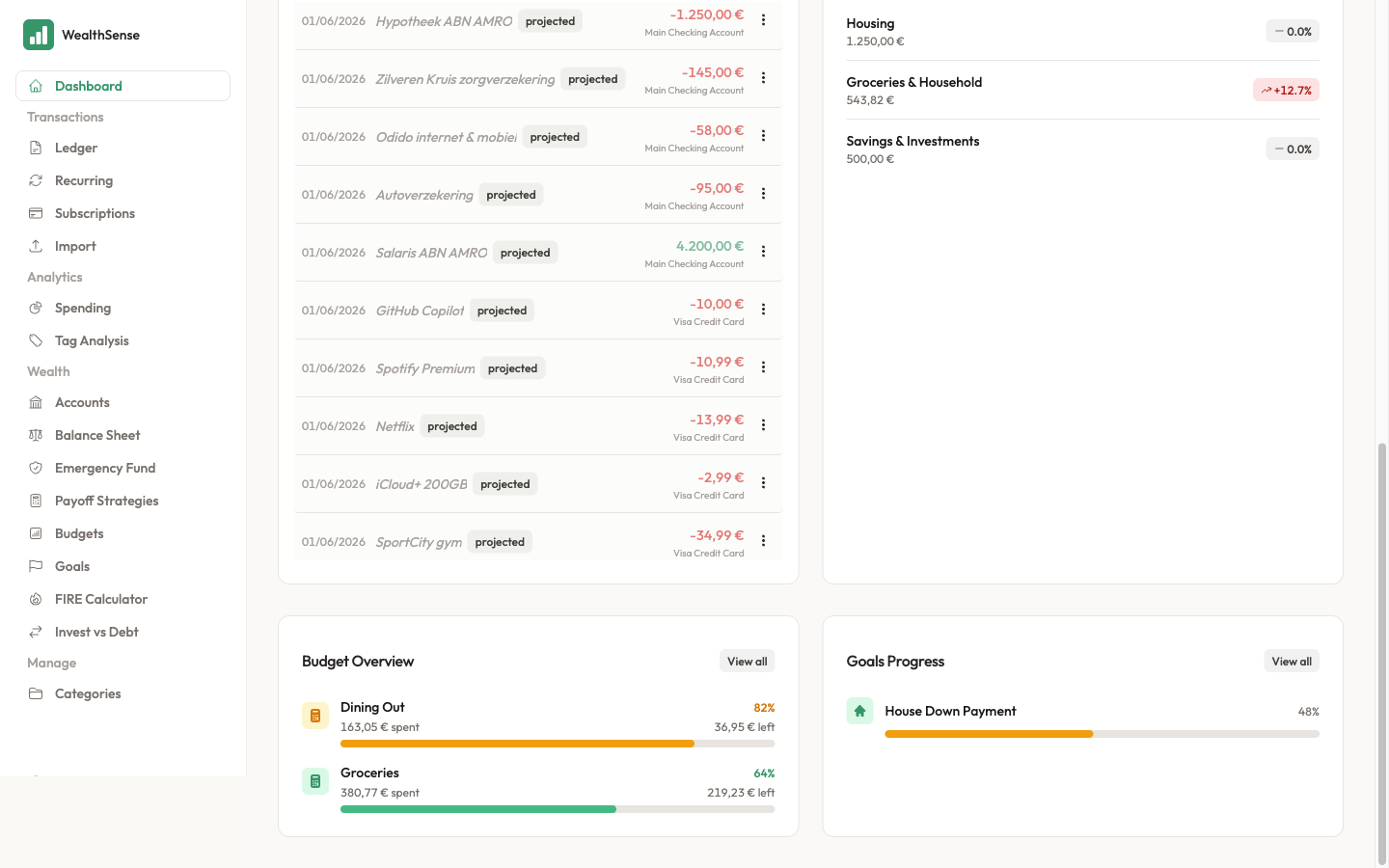
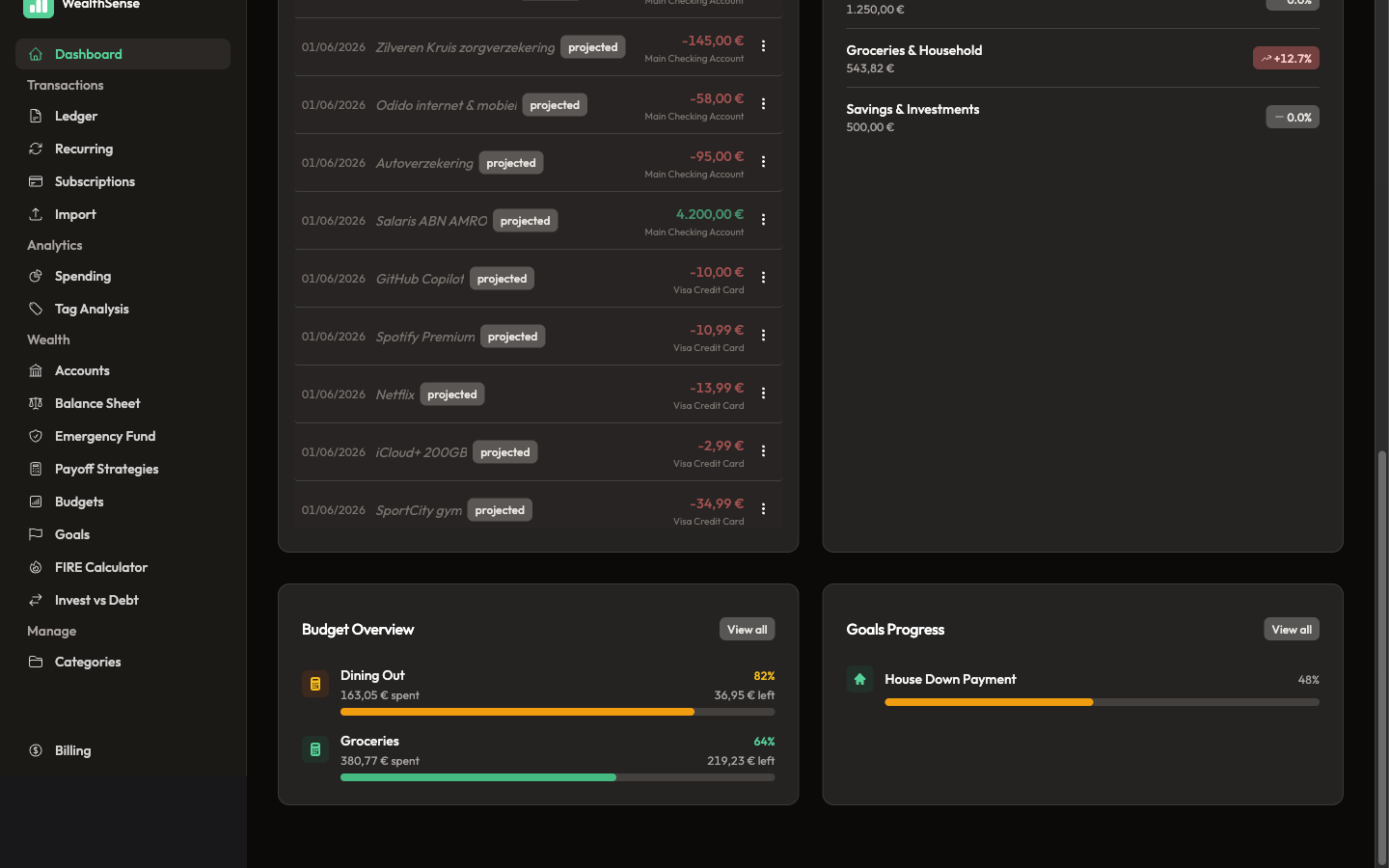
Save and open the dashboard. The goal appears with a progress bar, the current balance, the target, and the days remaining. The bar fills as transactions land — visibly enough that you notice when it is on track and when it is not.
A sinking fund is the case where this earns its keep. Next August's holiday costs €2,500. The goal date is the 1st of August. The math is €250 a month from now until then — a number you can read off the goal's detail page so you can set up a recurring transfer in that amount and stop thinking about it.
You're done when…
You see your goal on the dashboard with a progress bar and a target date, and you can name the one transaction this week that will move the bar forward. If the bar is not moving forward, the next move is either to adjust the target date or to set up a recurring transfer that does.
See also
- A budget that supports the goal — Build a budget you'll actually use
- The rules that make goals possible — Set up recurring rules that match your real life
- The FIRE deep dive — Plan your FIRE date