Time: ~5 min. Need: at least one earlier categorisation so the memory layer has something to suggest from — and, for the import-time bulk pass, a CSV or Excel file to import.
By the end of this you will have turned a 200-row import from a half-hour slog into a two-minute review. At import time the AI proposes a category for the whole batch in one pass; back in the ledger, a per-row suggestion cleans up whatever is left; and the memory layer learns from every correction you make.
This is the AI-augmented path. The manual + memory path lives in Categorize, split, and tag transactions. Both work; use whichever fits the rhythm you have.
Steps
-
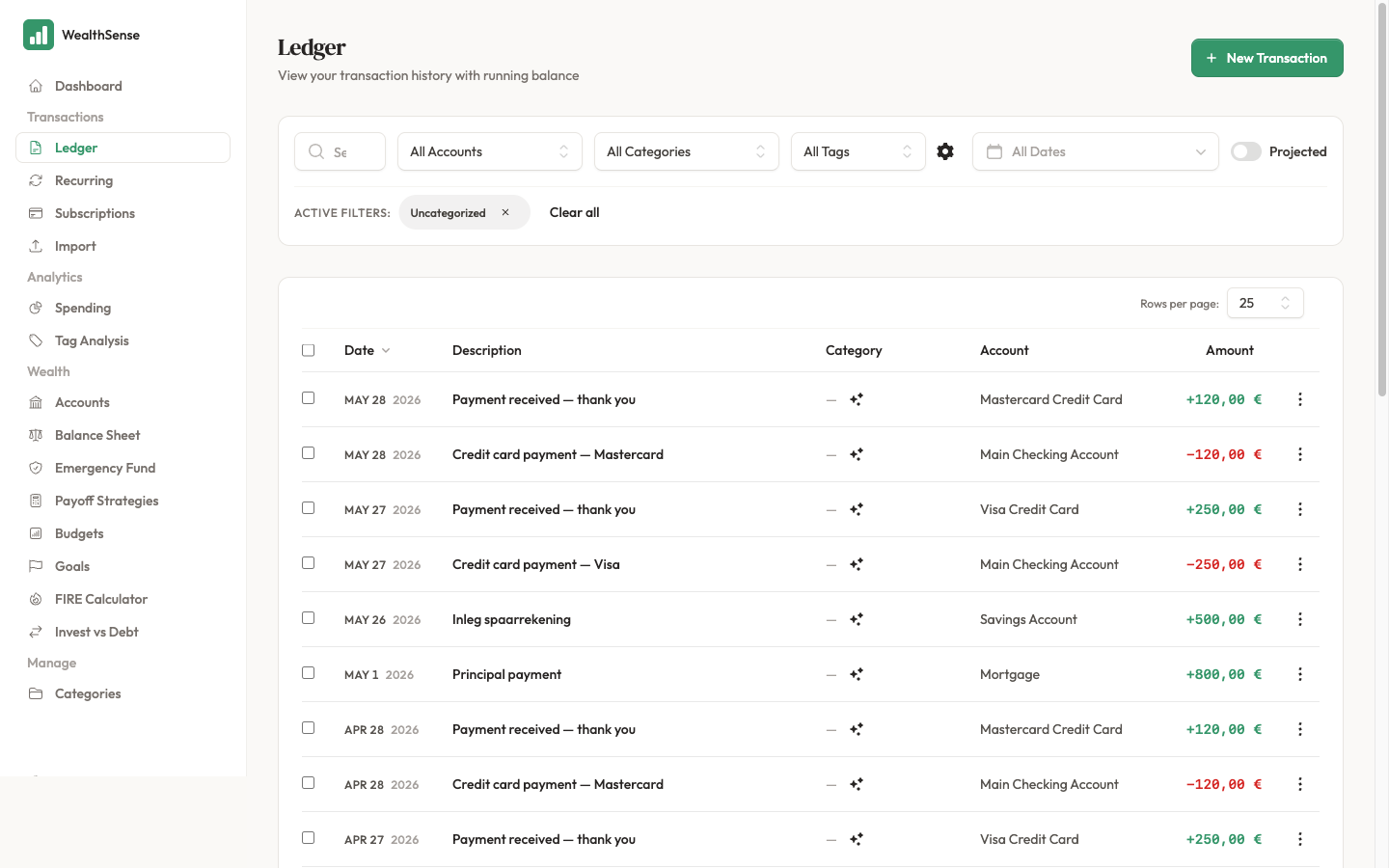
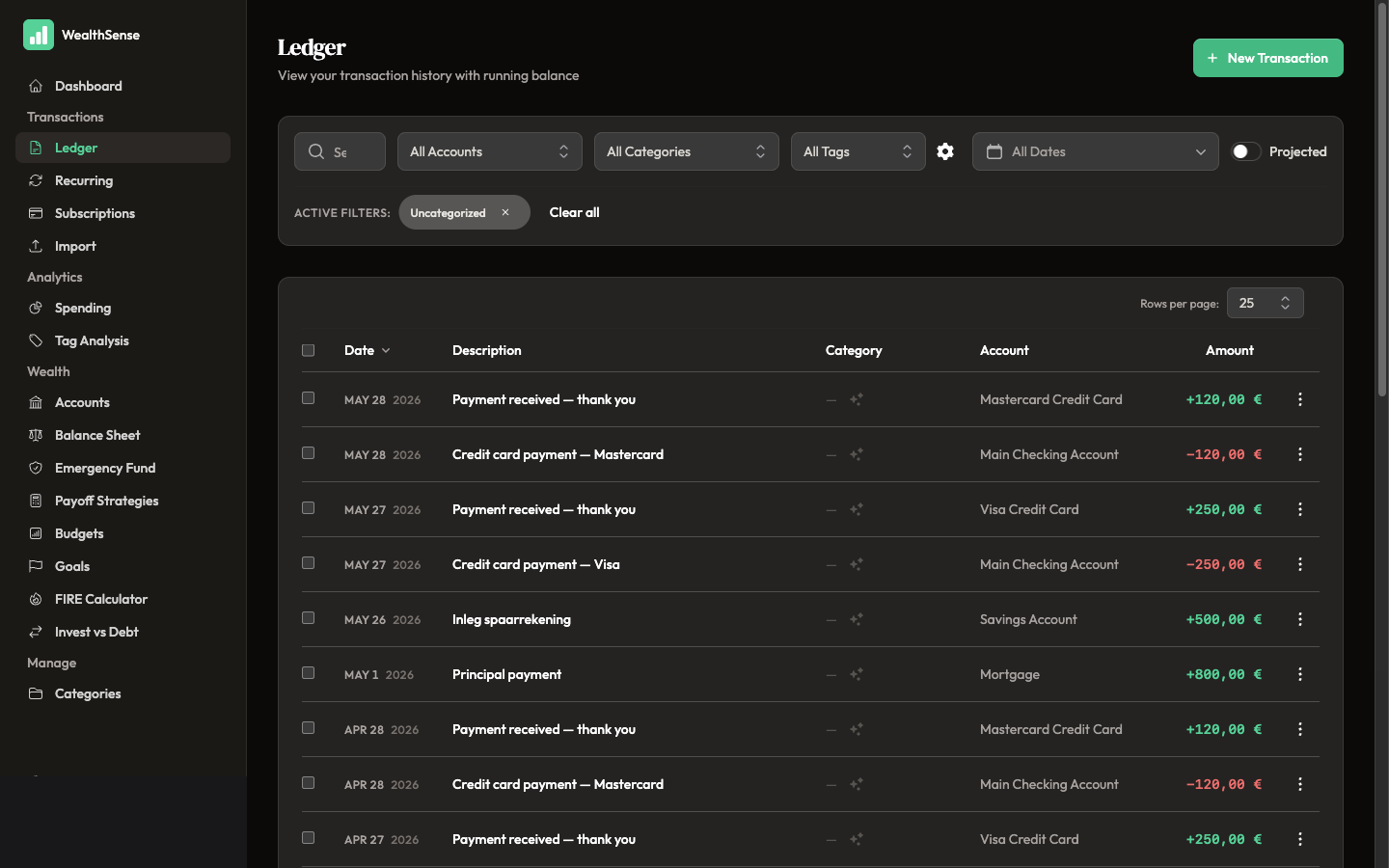
Open the Transactions page from the sidebar. Filter to Uncategorised. If your last import dropped 200 rows in, this is where they are.
-
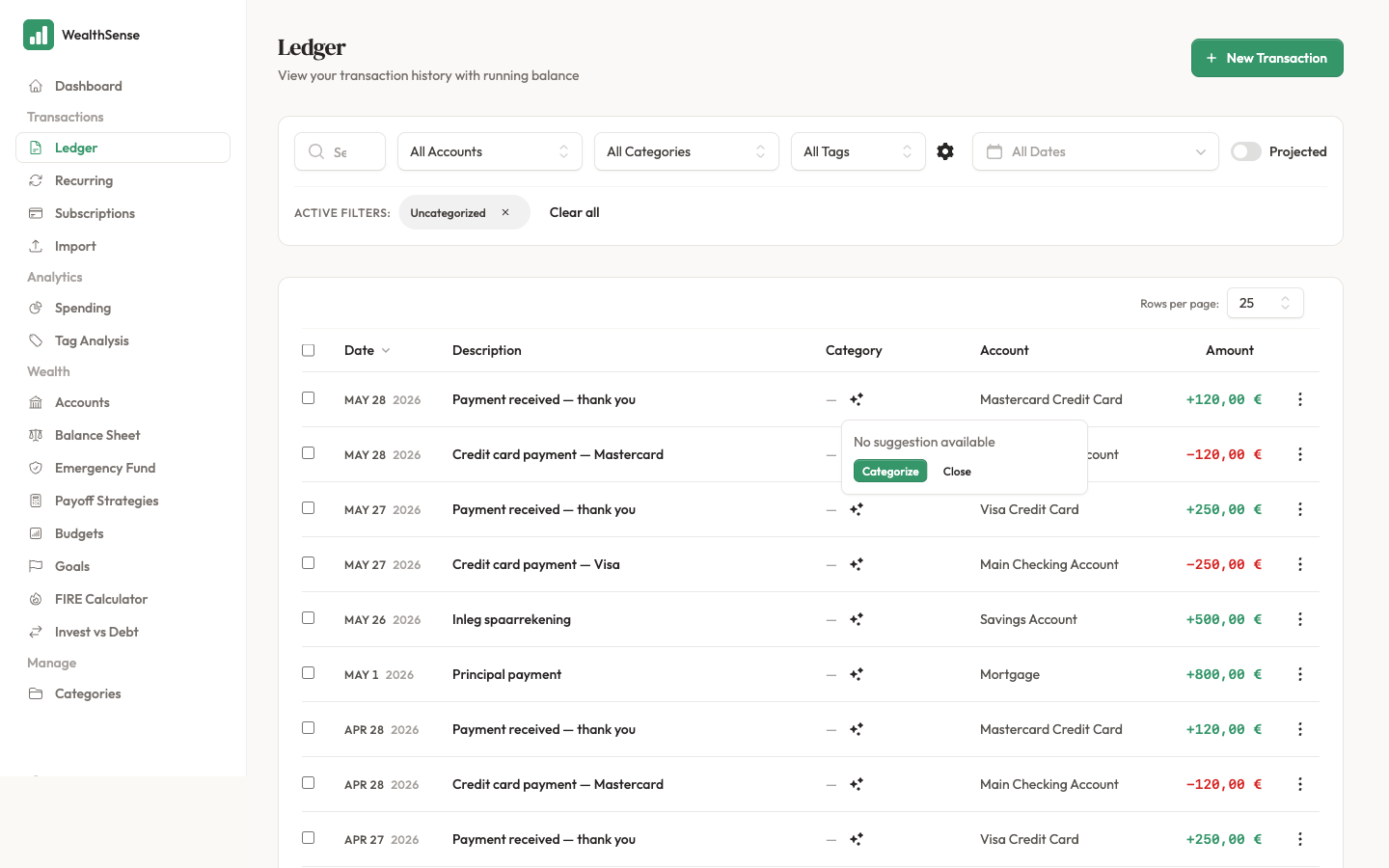
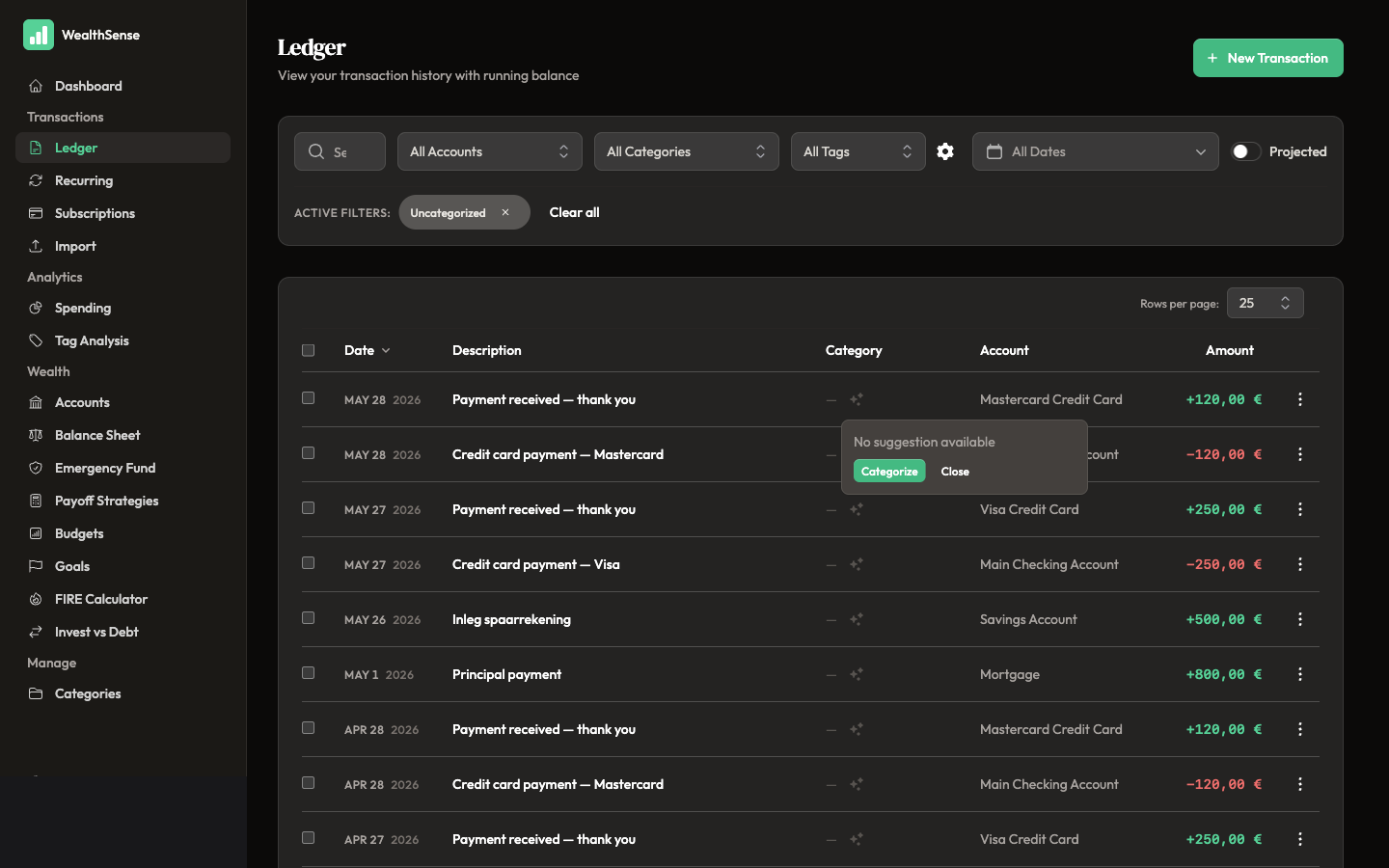
Pick one row and click the sparkles icon in its category column. WealthSense checks what it has learned from your past categorisations and offers a suggestion — the category a row like this one usually lands in. If it has seen the description before, it proposes the match; if not, it says so and offers to open the full form.
-
Accept or override. Click Apply to accept the suggestion — the row commits and the memory layer records the match. Open the row and pick a different category to override instead; the override teaches the memory layer that this description belongs there. Leave a row alone to skip it.
-
Let the bulk pass do the heavy lifting at import time. The per-row sparkles are for stragglers; the flood is handled where it arrives. When you import a file, the wizard's final Categorize step proposes a category for every uncategorised row in the batch at once, so a 200-row import collapses to maybe fifteen rows that still need a human eye. See Import your first month of transactions for the full import flow.
-
Trust but verify on the first few batches. Sample ten percent of the proposals on your first three imports — open the row, check the category against your gut, override anything wrong. Every override teaches the memory layer; by the third import the misses are rare and the sample becomes a glance, not a review.
You're done when…
Your last import has zero uncategorised rows once the import-time pass and a quick sparkles cleanup are done, the categories WealthSense applied match the ones you would have picked yourself, and the next time you import you spend less time reviewing than the time before.
See also
- The manual + memory-based path — Categorize, split, and tag transactions
- See the cleaned-up data — Where did your money actually go?
- Trust through verification — Your first reconciliation